Deploying Localized AI Fitting Rooms Across Shopify Markets with Automatic RTL & Privacy Compliance
Architect a single Style Swap AI deployment that adapts to every Shopify Market locale, currency and language. From London to Dubai, deliver a localized fitting room with modest models, Arabic RTL detection and GDPR/PDPL-grade zero-photo storage.
Customize `StyleSwapTryOn.tsx` Property Controls & Preview Live on a Framer Canvas
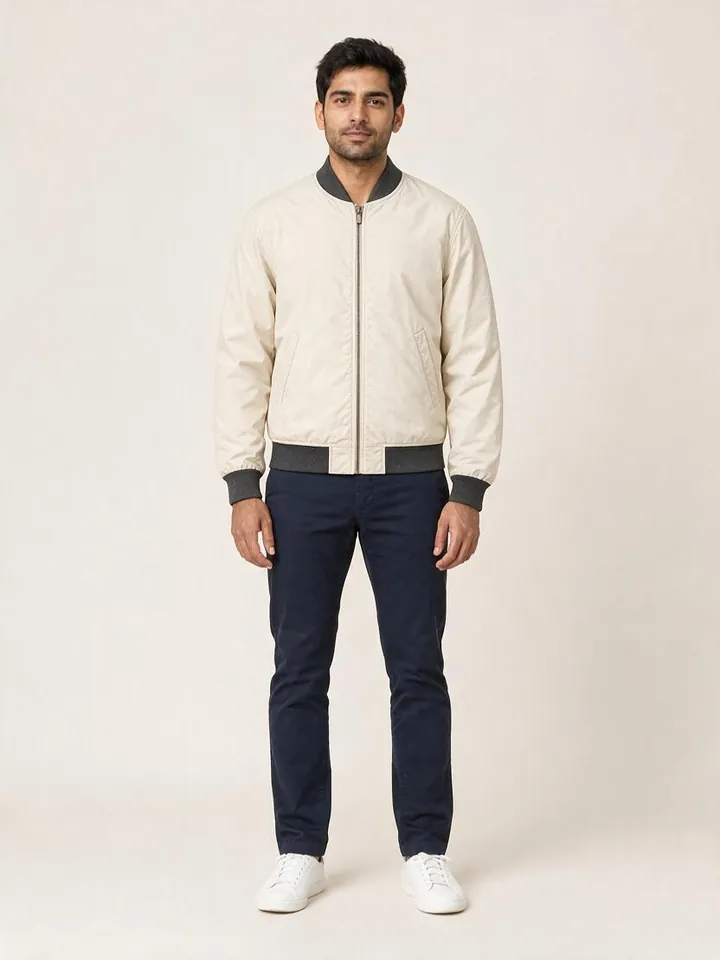
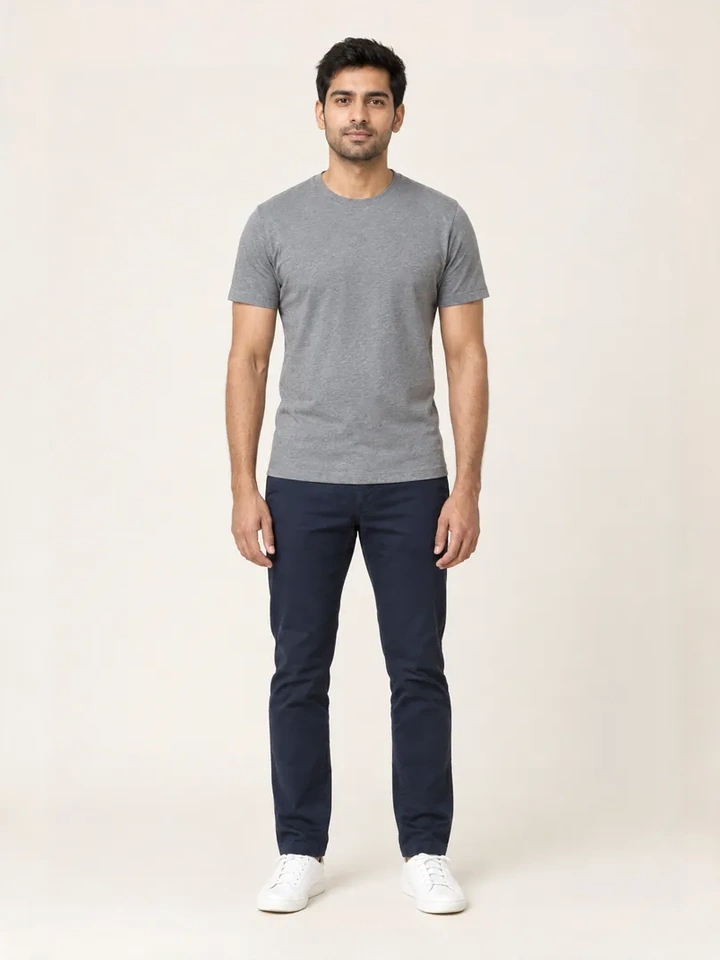
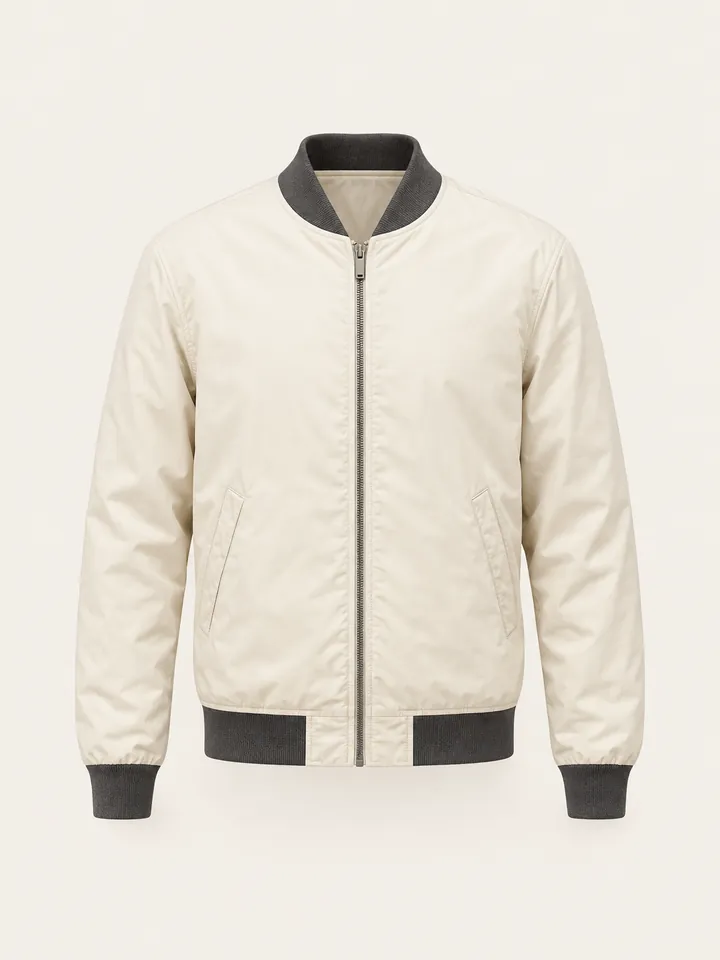
From Casual Mirror Selfies to 10-Second Dubai Luxury Lookbook Reels
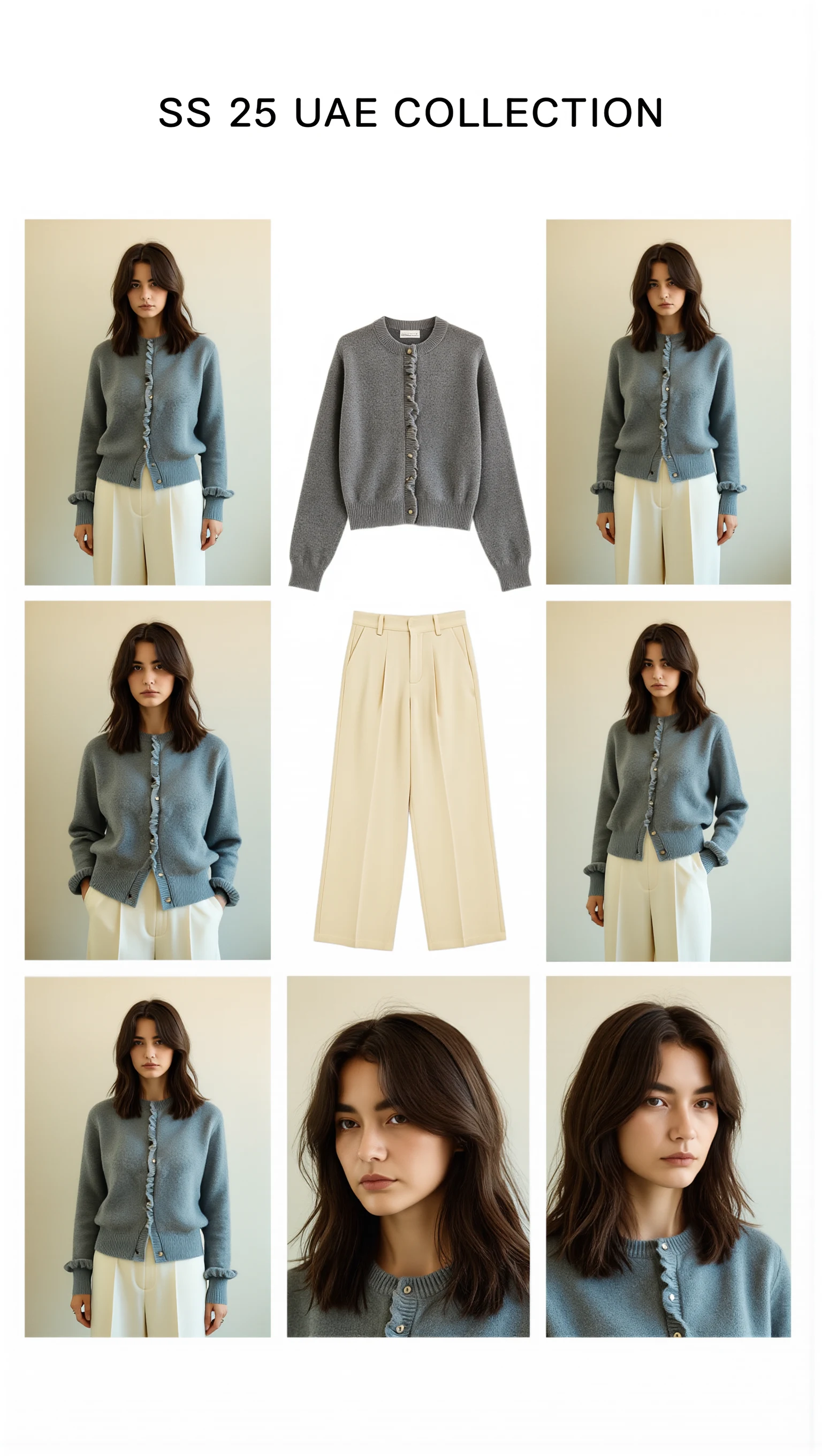
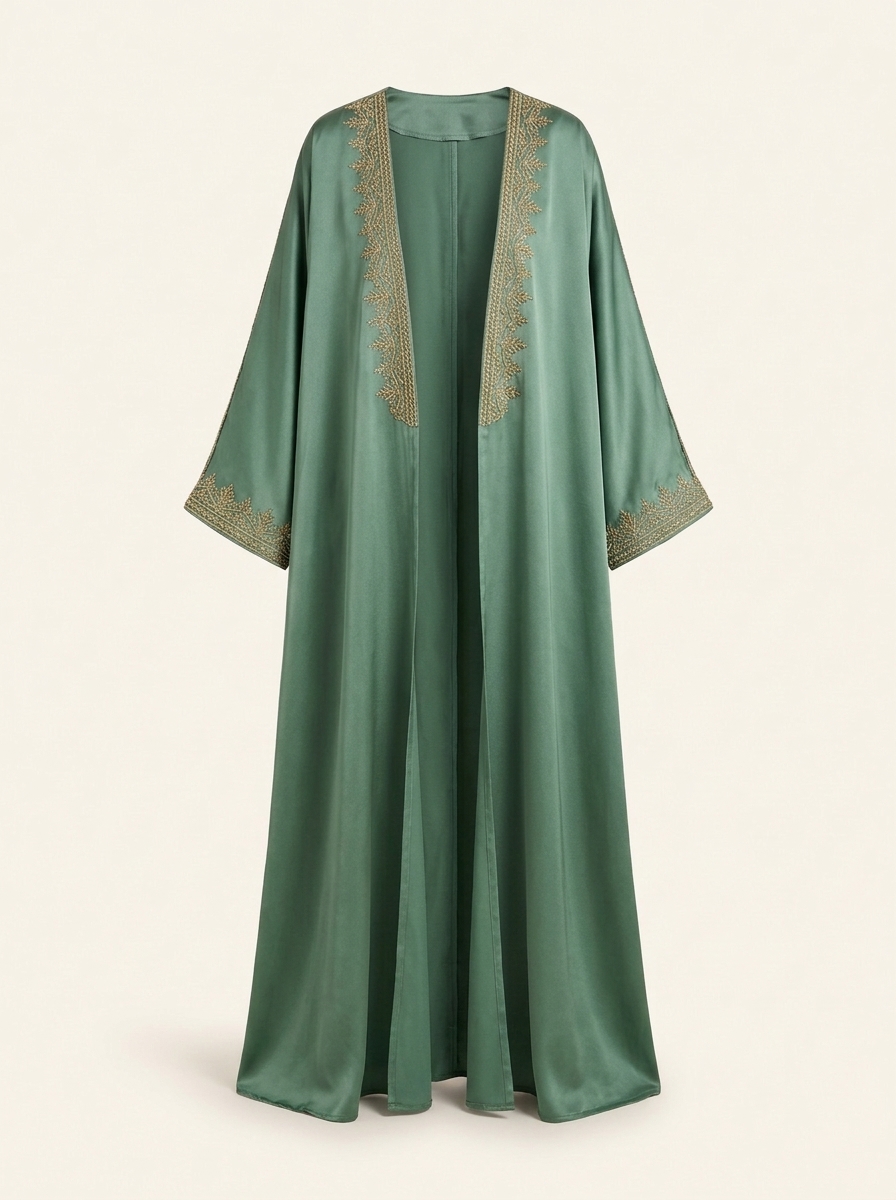
Cast across a cosmopolitan UAE lineup (Emirati/Arab, Afro-Arab, South Asian, Mediterranean & East Asian models) with automatic modest-luxury restyling, 100mm macro fabric close-ups, and Sweet Pants SS25–inspired 3×3 Editorial Bento Lookbook Grids.

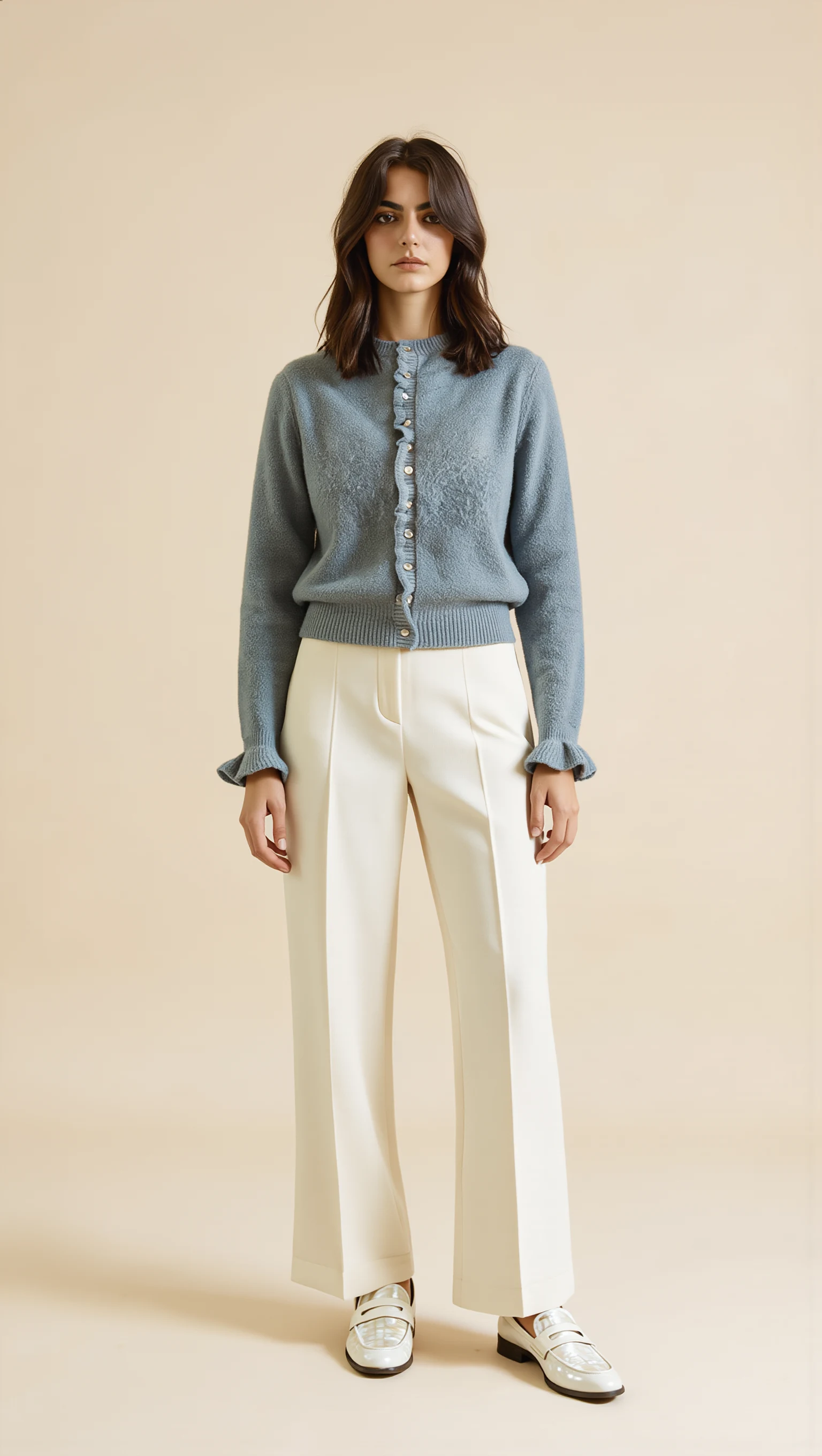
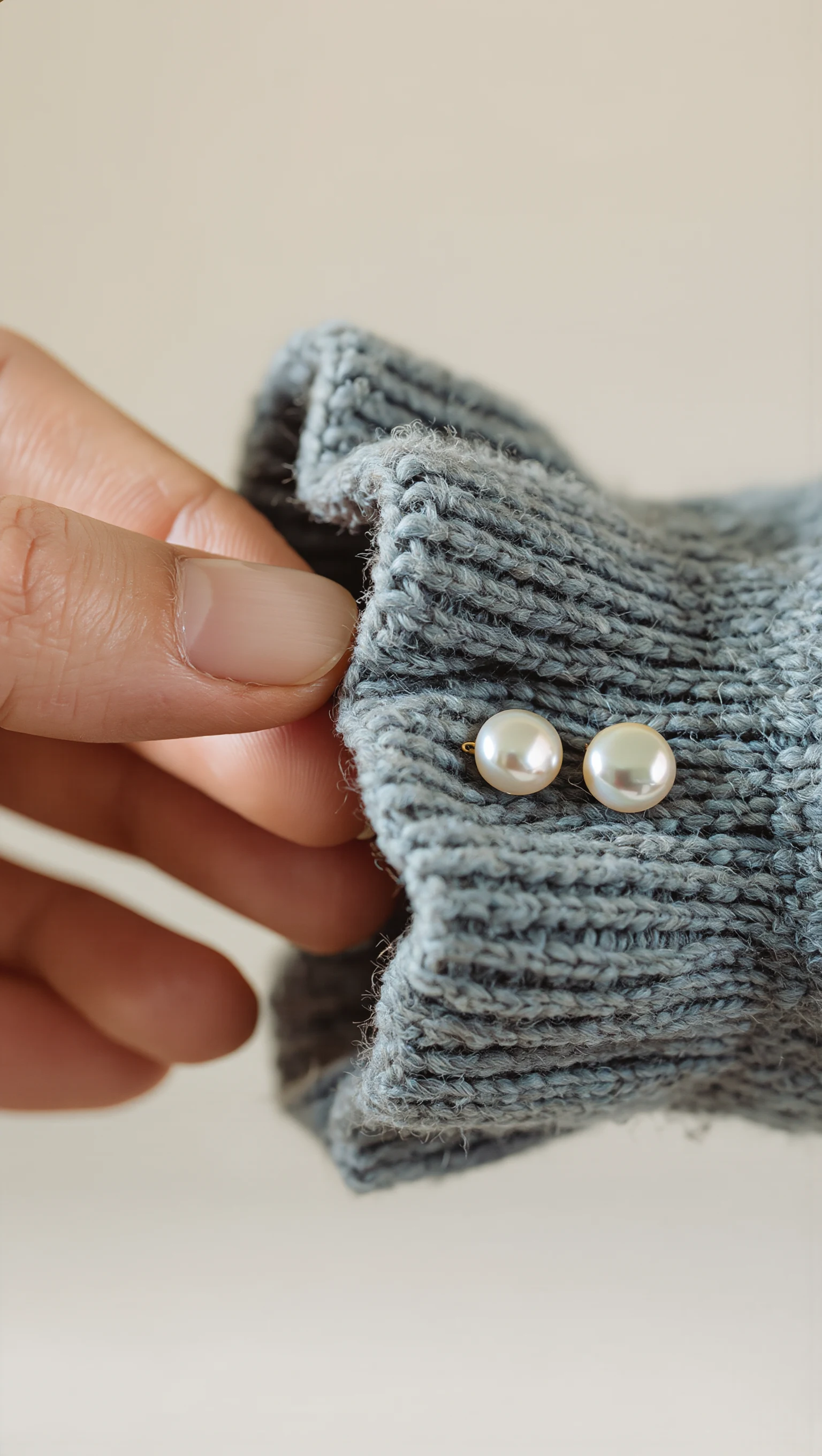
Dusty Slate-Blue Brushed Mohair Cardigan & Ivory Palazzo Trousers
Restyled from a cropped mirror selfie into a full-length Dubai modest-luxury studio look with mother-of-pearl buttons & lettuce-edge cuffs.
Executive Summary: One Global Fitting Room, Zero Compliance Debt
Style Swap AI's Shopify App Proxy and Theme App Extension let you deploy a single, multi-market AI try-on experience that automatically respects locale, currency and language. By combining zero-photo storage, modest studio presets and a 3-piece Complete the Look engine, international brands lift AOV and conversion without adding regional infrastructure.
- One install serves every Shopify Market: the Online Store 2.0 Theme App Extension and signed App Proxy (/apps/try-on/*) inherit each market's locale, currency and language — with automatic dir="rtl" mirroring for Arabic, Hebrew and Urdu storefronts.
- Zero-photo storage is on by default (privacyZeroPhotoStorage: true): client-side EXIF stripping, 1400px compression and TLS 1.3 volatile-RAM processing satisfy GDPR, UAE PDPL and Saudi PDPL without data-residency engineering.
- 3-piece Complete the Look try-on layers Top + Bottom + Outerwear/Abaya via custom.pair_with metafields, Shopify Product Recommendations API or DOM cross-sell detection — with 1-click multi-SKU /cart/add.js bundle checkout rendered in local currency.
- Server-side Klaviyo 'Tried On Product' events plus Shopify orders/paid webhook attribution deliver closed-loop ROI per market, currency and campaign — no client-side pixels or cookie dependencies.
Style Swap AI vs Legacy Virtual Try-On and Static Lookbooks for Multi-Market Brands
| Requirement | Style Swap AI (`seed-try-on`) | Generic AR try-on widget | Static lookbook with local models |
|---|---|---|---|
| Automatic Arabic RTL & localized UI | ✓ Detects Shopify locale and flips to dir="rtl" with translated strings; no extra theme code | ✕ Requires manual RTL overrides and often breaks on app blocks | Static lookbooks require separate Arabic content teams and still don't offer interaction |
| Zero-photo storage privacy compliance | ✓ Client-side EXIF stripping + TLS 1.3 volatile RAM processing; no selfie ever persisted or visible in admin | ✕ Most store selfies on cloud servers, creating GDPR/PDPL risk and data residency issues | Static lookbooks collect no selfies but also offer no personalization |
| 3-piece outfit try-on with bundle checkout | ✓ Layers up to 3 garments and adds all SKUs to cart in one click via /cart/add.js | ✕ Single garment only; cross-sell requires separate pages | Static lookbooks show outfits but cannot try them on the shopper |
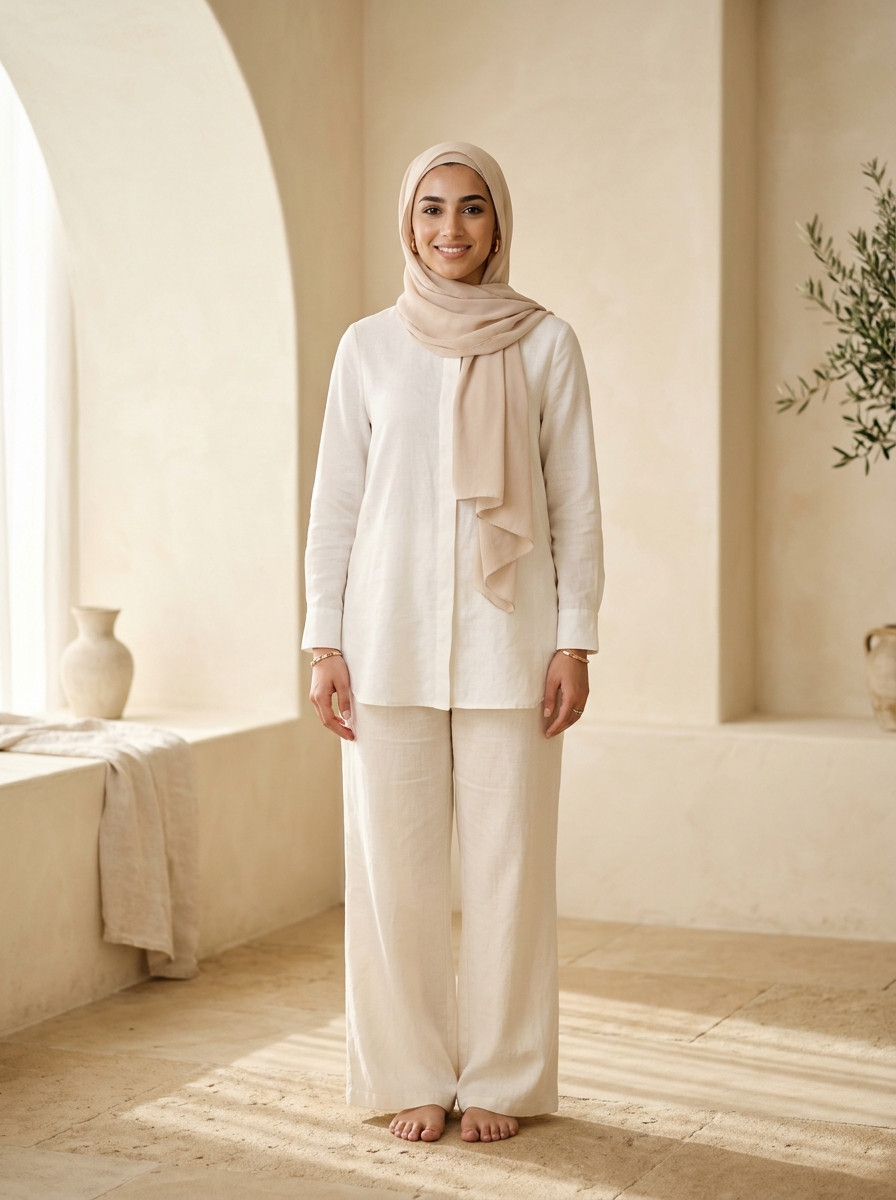
| Modest studio model presets | ✓ Built-in modest silhouettes for zero-selfie evaluation, ideal for GCC and conservative markets | ✕ Often only Western fashion models; no hijab or abaya presets | Static lookbooks may include modest models but cannot adapt to shopper's body or garment |
| Atmosphere & lighting remixes per market | ✓ 5 presets including Desert Resort and Golden Hour tuned for regional aesthetics | ✕ Limited to basic background removal; no localized scene generation | Static lookbooks require separate photoshoots per atmosphere and market |
| Klaviyo lead sync & ROI attribution | ✓ Server-side 'Tried On Product' event and revenue attribution per order via Shopify webhooks | ✕ Often only client-side events; no order-level attribution | Static lookbooks cannot track engagement or revenue impact |
Single Deployment, Every Locale: Shopify Markets + App Proxy
Style Swap AI installs as a Theme App Extension block on Online Store 2.0, and for Shopify Plus brands running Hydrogen, Next.js or Framer storefronts, a signed Shopify App Proxy exposes the full try-on engine under /apps/try-on/*. Because the proxy request is signed by Shopify, it inherits the active market context — currency, language and locale — so one integration serves US, UK, EU, UAE, KSA and Japan storefronts with no per-market code. Headless teams wire into custom DOM events (seed-try-on:open, seed-try-on:add-to-cart, seed-try-on:complete-look-add) to trigger the fitting room and route bundle add-to-cart data into their own analytics and Klaviyo stacks.
- In Shopify Admin → Markets, assign each region its own domain or subfolder (e.g., brand.com/en-ae); the signed App Proxy request carries the buyer's locale and currency, so the try-on UI renders local pricing and copy with zero per-market branching.
- Add the Style Swap AI app block or floating pill once to your product template — it injects with zero CLS, so Core Web Vitals hold on international CDN edges.
- Arabic, Hebrew and Urdu locales trigger automatic dir="rtl" mirroring and localized UI strings; QA the mirrored layout on a staging theme before peak trading moments like Ramadan and White Friday.
- Listen for seed-try-on:complete-look-add to push bundle SKUs, market handle and currency into GA4 or Klaviyo — this is the foundation of per-market AOV reporting.
// Headless storefront: listen for complete-look bundle event and sync to analytics
window.addEventListener('seed-try-on:complete-look-add', (e) => {
  const { items, market, currency, total } = e.detail;
  window.dataLayer = window.dataLayer || [];
  dataLayer.push({
    event: 'style_swap_bundle_add',
    items: items.map(i => ({ sku: i.sku, qty: i.qty, price: i.price })),
    market,
    currency,
    value: total
  });
  // Optional: mirror to Klaviyo browser tracking
  if (window.klaviyo) {
    window.klaviyo.track('Complete Look Added', {
      items: items.map(i => ({ ProductID: i.sku, Quantity: i.qty })),
      Market: market,
      Currency: currency,
      Value: total
    });
  }
});
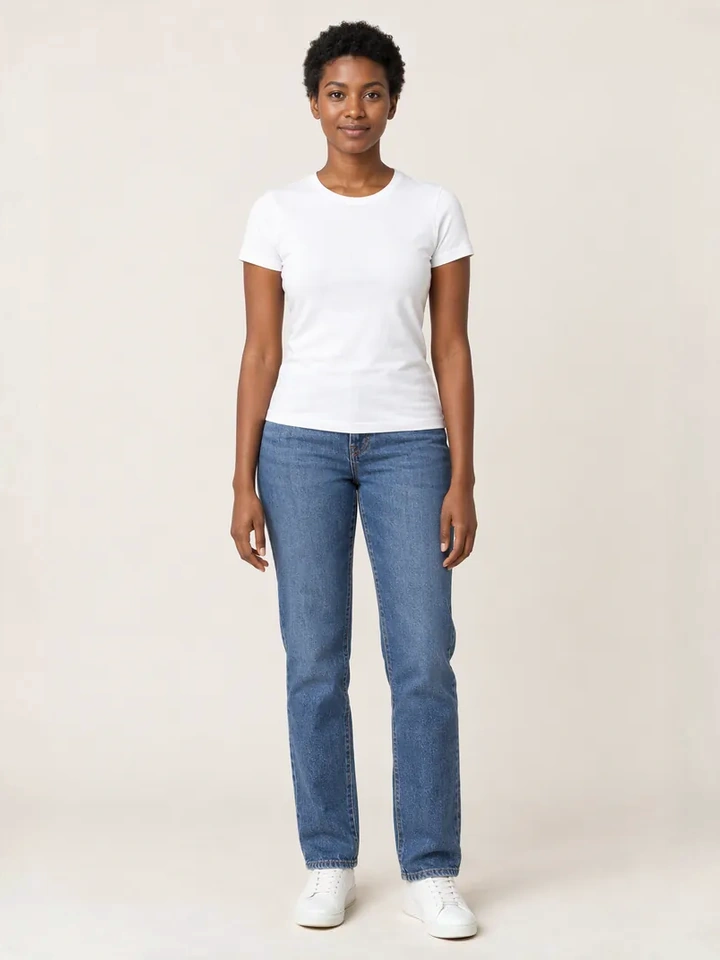
Zero-Photo Storage Meets GDPR, UAE PDPL & Saudi PDPL
Style Swap AI's privacyZeroPhotoStorage mode is enabled by default. Shopper selfies are stripped of EXIF metadata and compressed to a maximum dimension of 1400px on the client side, then processed over TLS 1.3 in volatile RAM only. No image is ever written to disk, logged, or visible in Shopify Admin. Because the data never persists, there is no residency requirement to engineer around and no try-on image payload to locate during a DSAR or right-to-erasure request — a decisive trust signal for luxury shoppers in the EU and GCC that generic try-on apps cannot match.
- EXIF data (GPS, device identifiers) is stripped in the browser before upload, and 1400px compression keeps inference fast on mobile networks across KSA, UAE and Japan.
- The selfie exists only in volatile RAM for the duration of the inference call (~8–10 seconds in Quick Mode) and is irrecoverably destroyed once the render returns.
- No shopper selfies appear in Shopify Admin, order exports or analytics — eliminating accidental PII exposure for staff and simplifying DSAR responses to a single sentence: nothing is stored.
- Document the zero-retention flow in each market's privacy policy and pair the in-app privacy badge with Shopify's native consent banner; server-side attribution means no third-party tracking cookies are needed for ROI reporting.
// Zero-photo storage is enabled by default — surface the toggle in your theme app embed
// settings_schema.json snippet for the app block
{
  "type": "checkbox",
  "id": "privacyZeroPhotoStorage",
  "label": "Zero-Photo Storage (GDPR/PDPL compliant)",
  "default": true,
  "info": "Strips EXIF, compresses to 1400px, processes in volatile RAM only. No selfies stored."
}
3-Piece Outfit Try-On Drives Multi-SKU Checkout Across Currencies
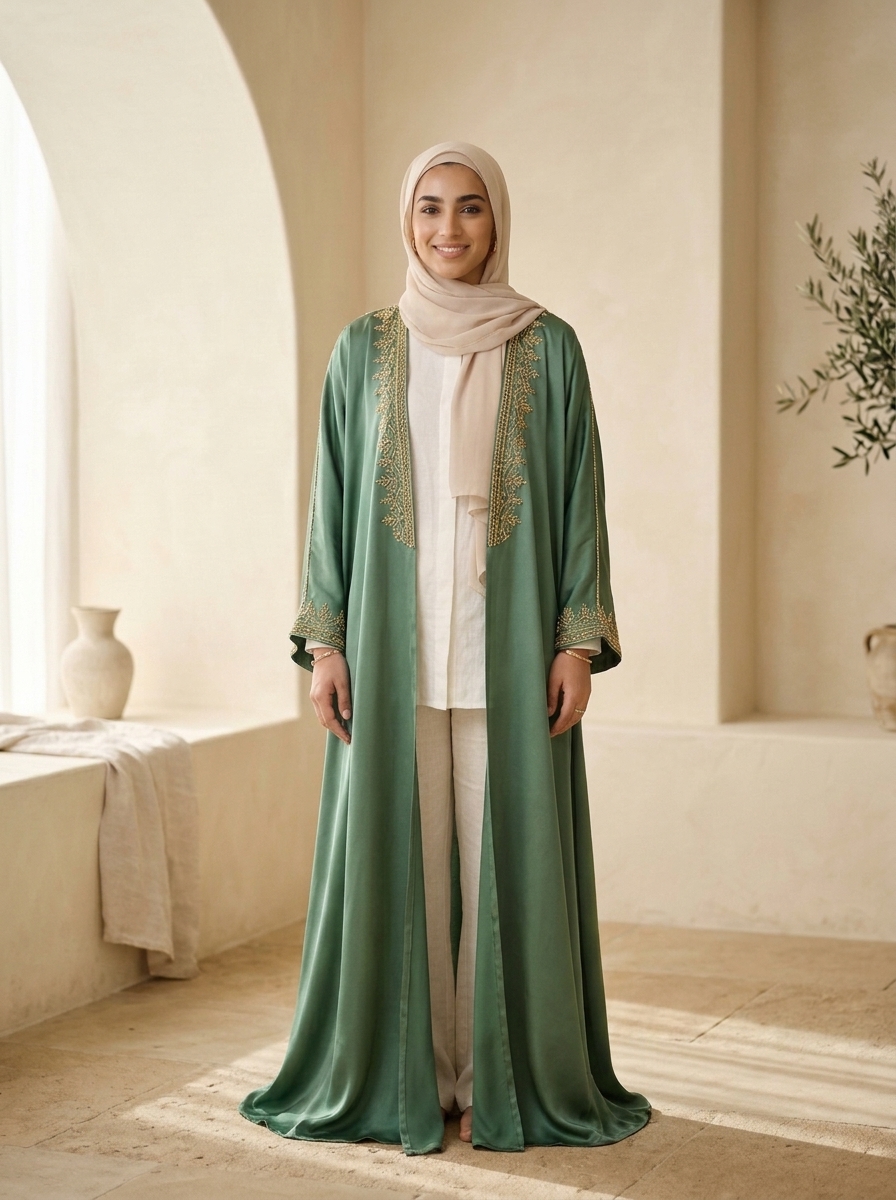
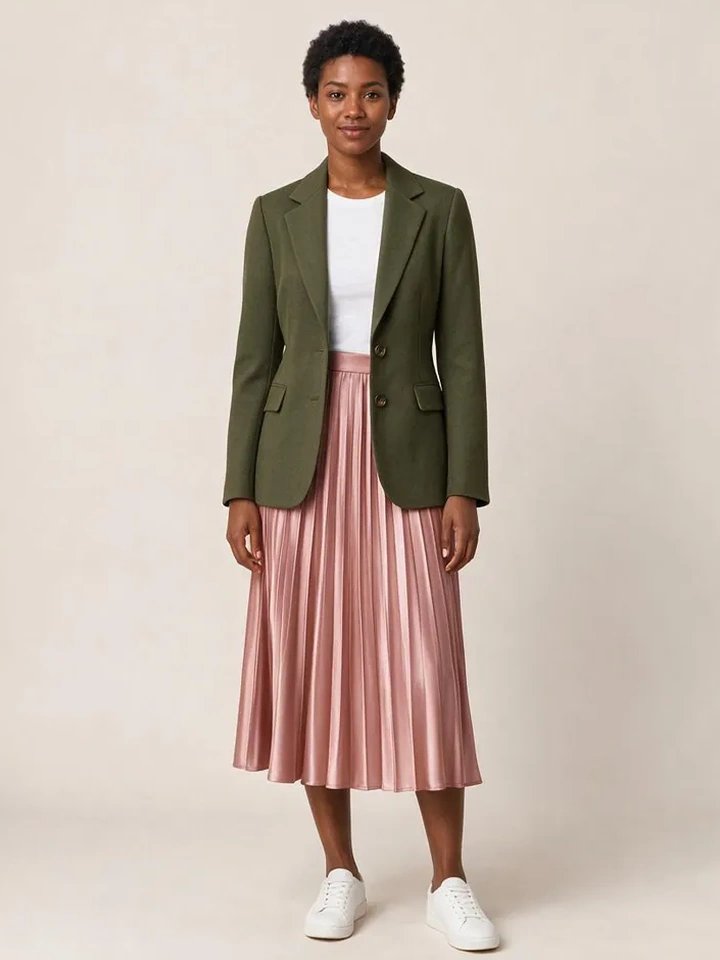
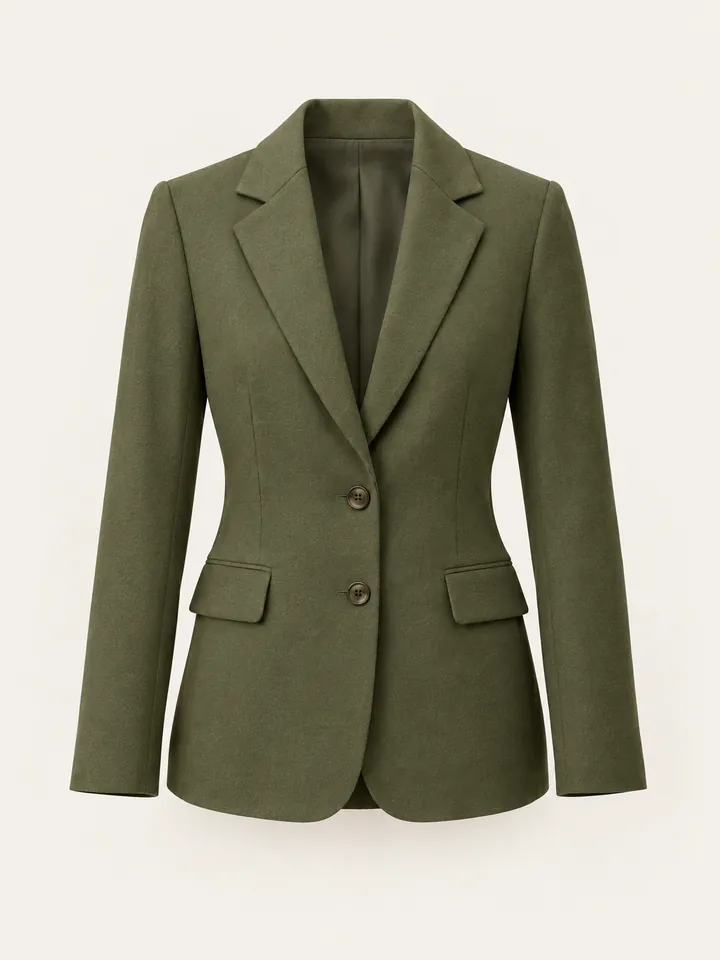
The 3-piece Complete the Look engine layers up to three garments (Top + Bottom + Outerwear/Abaya) using custom.pair_with metafields, DOM cross-sell detection, or the Shopify Product Recommendations API. When a shopper in Dubai tries on a Bouguessa-inspired minimalist dress, Style Swap AI can suggest a matching hijab and outer layer, then add all three SKUs to cart in one click via /cart/add.js. Because Shopify's cart API applies the active market's currency, rounding and pricing rules, the shopper sees one localized bundle total — higher AOV without the friction of manual cross-sells.
- In Settings → Custom Data, create a product metafield custom.pair_with (list of product references) and curate market-specific trios — e.g., abaya + hijab + slip dress for KSA, blazer + knit + skirt for the UK.
- If no pair_with values exist, fall back to the Shopify Product Recommendations API (or DOM cross-sell detection) so bundles always reflect live, market-appropriate inventory.
- The 1-click bundle posts an items array to /cart/add.js, which respects the current market's currency and rounding rules — never show a shopper a converted price that differs from checkout.
- Use the seed-try-on:complete-look-add payload (SKUs, quantities, localized prices) to trigger bundle discounts, loyalty points or market-specific post-purchase flows.
Atmosphere Remixes, Story Cards & Klaviyo Closed-Loop ROI
Five instant atmosphere and lighting remixes — Studio Editorial, Golden Hour, Evening Lounge, Parisian Street, Desert Resort — let you match the try-on render to each market's aesthetic: Desert Resort for UAE shoppers, Parisian Street for French customers. The 9:16 Social Story Card generator composes a 1080x1920 canvas entirely client-side and shares via the Web Share API — critical in the GCC, where WhatsApp is the dominant commerce channel. Every try-on fires a server-side Klaviyo 'Tried On Product' event, and Shopify orders/paid webhooks attribute revenue and AOV back to the session, delivering per-market ROI with no reliance on third-party cookies.
- Set a default atmosphere per Shopify Market in the app's localization settings — Desert Resort or Golden Hour for GCC, Parisian Street for FR/EU, Studio Editorial for US/UK — with overrides available via custom liquid or API.
- Story cards bundle the product image, try-on result and a deep link back to the product page; place the WhatsApp share target prominently in MENA markets where social sharing drives organic discovery.
- The Klaviyo 'Tried On Product' payload includes market handle, currency, product SKUs, mode (Quick vs Studio) and atmosphere — segment high-intent shoppers into localized, currency-correct email flows.
- Shopify orders/paid webhooks close the loop, tying revenue and AOV back to each try-on session for true per-market, per-campaign ROAS.
// Klaviyo server-side event payload (simplified)
{
  "event": "Tried On Product",
  "customer_properties": { "$email": "shopper@example.com" },
  "properties": {
    "product_skus": ["ABAYA-01", "HIJAB-02"],
    "market": "ae",
    "currency": "AED",
    "mode": "quick",
    "atmosphere": "desert-resort",
    "source": "app-proxy"
  },
  "time": 1742345678
}Common Founder & Technical Questions: Shopify Plus Markets & RTL
How does Style Swap AI handle multiple Shopify Markets and currencies?
Style Swap AI reads the Shopify Market context from the current storefront session, whether it's an Online Store 2.0 theme or a headless Hydrogen/Next.js build via the signed App Proxy. It automatically loads the correct localized UI strings, sets dir="rtl" for Arabic, Hebrew and Urdu, and displays prices in the shopper's local currency. No per-market code or duplicate installations are required.
Is the zero-photo storage mode really compliant with GDPR and UAE PDPL?
Yes. The privacyZeroPhotoStorage mode is enabled by default. Selfies are stripped of EXIF data and compressed to 1400px on the client side, then processed in volatile RAM over TLS 1.3. No image is ever written to disk, database, or Shopify Admin. Because the data never persists, there is no data residency or right-to-erasure burden attached to try-on images.
Can I use Style Swap AI on a headless Shopify Plus storefront built with Hydrogen or Next.js?
Absolutely. Style Swap AI exposes a signed Shopify App Proxy under /apps/try-on/*. You can embed the try-on interface directly in your headless app, and custom DOM events (seed-try-on:open, seed-try-on:add-to-cart, seed-try-on:complete-look-add) let you integrate bundle add-to-cart and analytics with your existing stack.
How does the 3-piece Complete the Look bundling work with multi-currency pricing?
The engine layers up to three garments and adds all SKUs to cart in one click using Shopify's /cart/add.js endpoint. Because the cart API respects the current market's currency and rounding rules, the bundle total is shown in the shopper's local currency. You can define bundles via custom.pair_with metafields or let the Shopify Product Recommendations API suggest pairings dynamically.
What pricing plan should a Shopify Plus multi-market brand choose?
High-volume international brands typically choose the Unlimited Fashion Plan at $199.99/month (2,000 included try-ons, $0.10/try-on overage, Priority 2K image generation, unlimited shares and a dedicated CSM). The Runway Plan at $49.99/month (350 try-ons, $0.14 overage) unlocks Klaviyo sync, full embed and developer events; the Trend Plan at $19.99/month (100 try-ons, $0.16 overage) suits single-market pilots. All plans include a 7-day free trial with up to 50 try-on credits.