Visualize High-Rise vs Mid-Rise Denim Fits & Hem Break in Seconds—Zero Selfie Required
Denim and trousers drive more fit hesitation—and more bracketed, multi-size orders—than any other category. Style Swap AI renders your exact SKU on a modest studio model or the shopper's privacy-protected selfie in ~8–10 seconds: rise placement, leg silhouette, hem break, and a full 3-piece look, all from a zero-CLS Shopify app block.
See How Visual Silhouette Verification Prevents Bracket-Order Returns
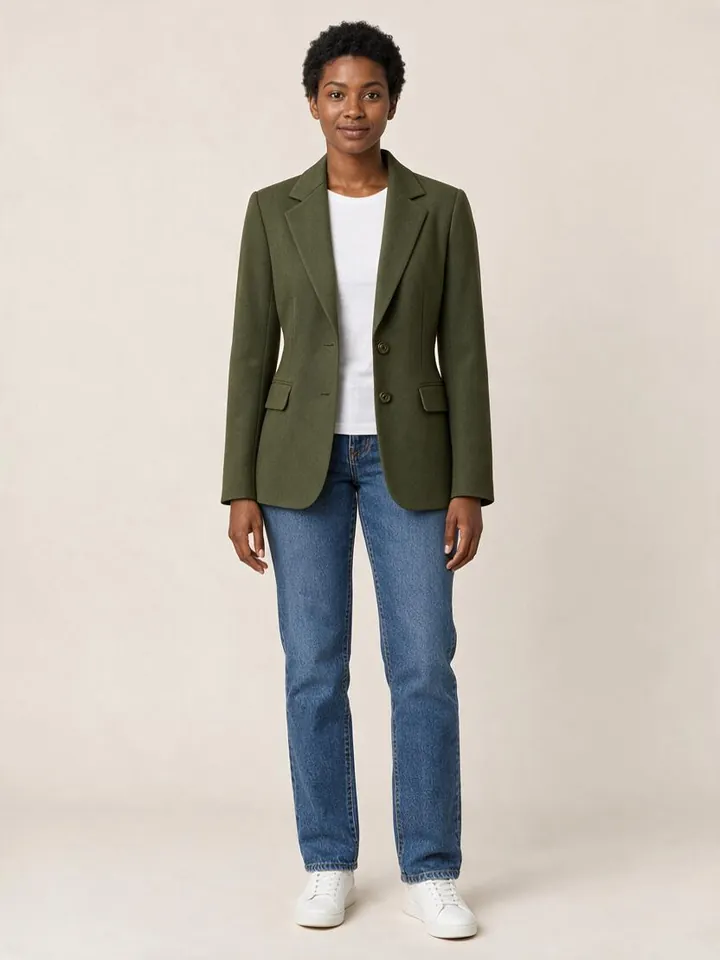
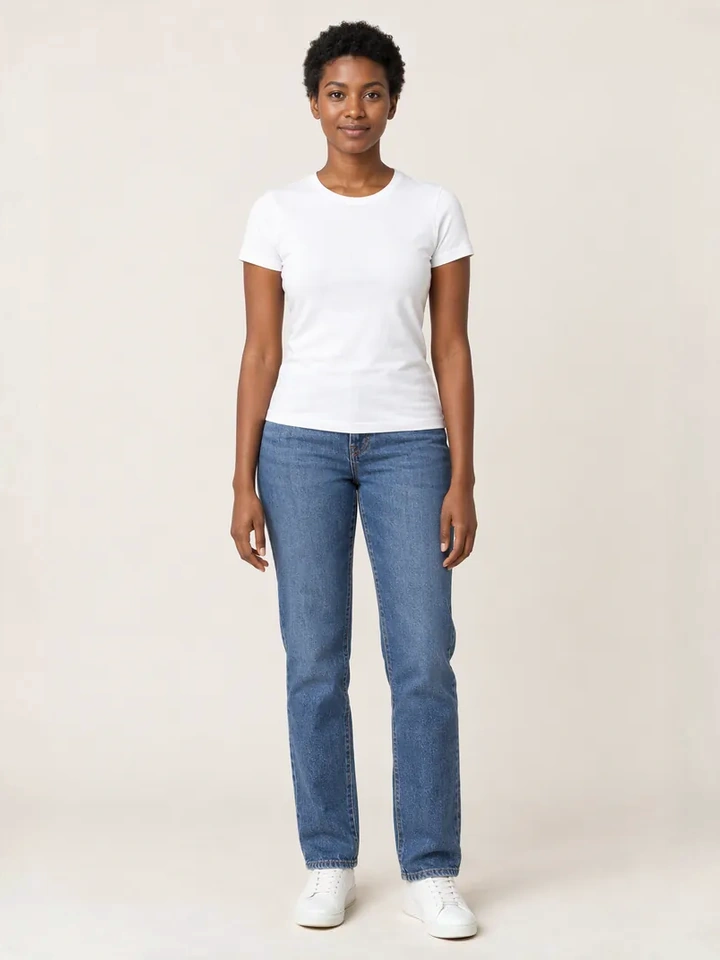
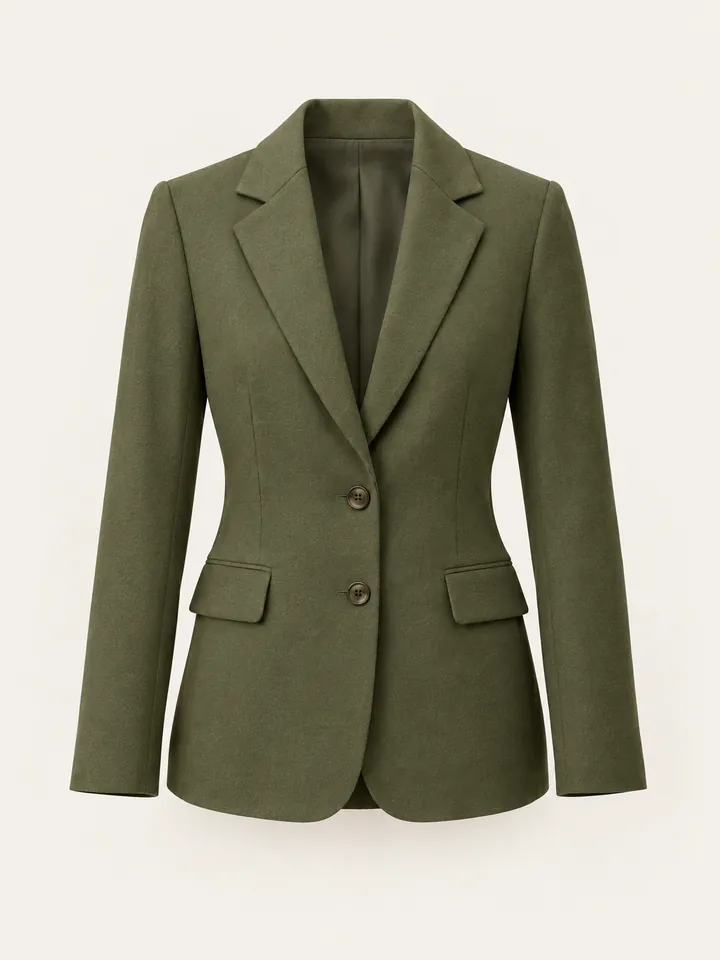
From Casual Mirror Selfies to 10-Second Dubai Luxury Lookbook Reels
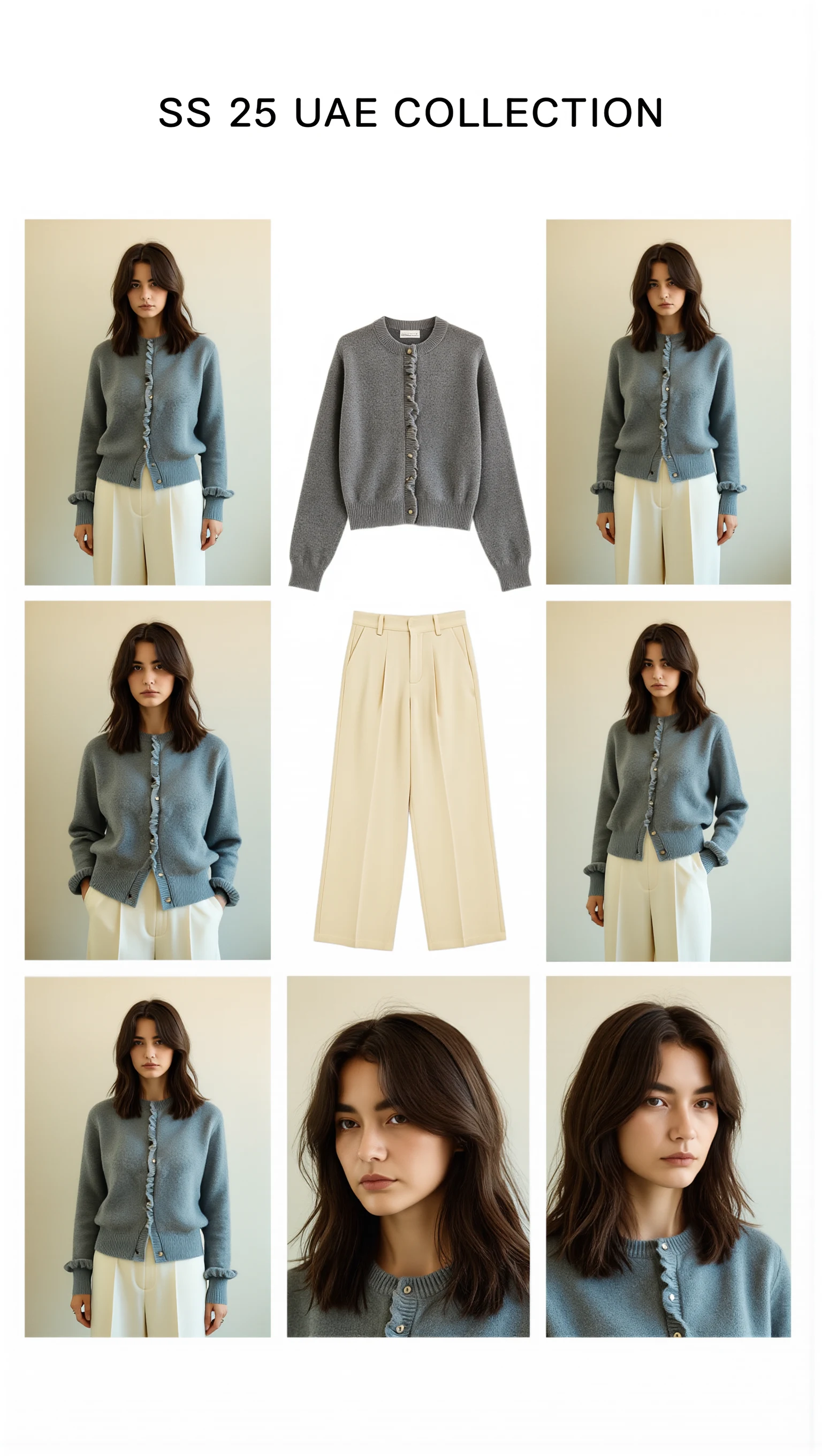
Cast across a cosmopolitan UAE lineup (Emirati/Arab, Afro-Arab, South Asian, Mediterranean & East Asian models) with automatic modest-luxury restyling, 100mm macro fabric close-ups, and Sweet Pants SS25–inspired 3×3 Editorial Bento Lookbook Grids.
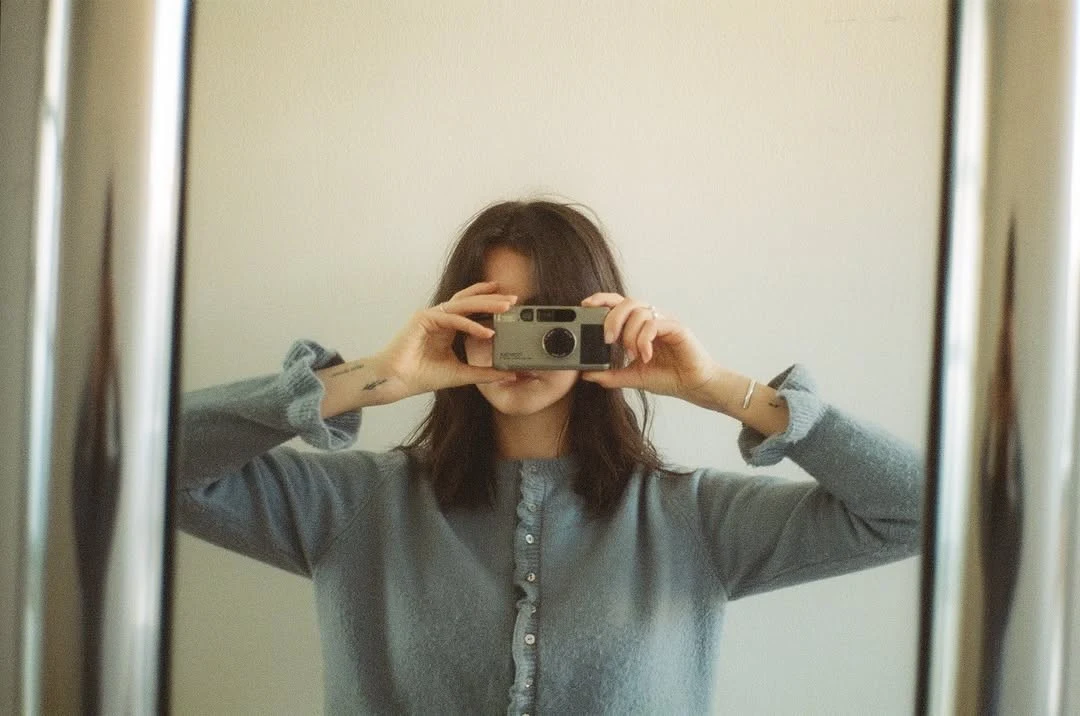
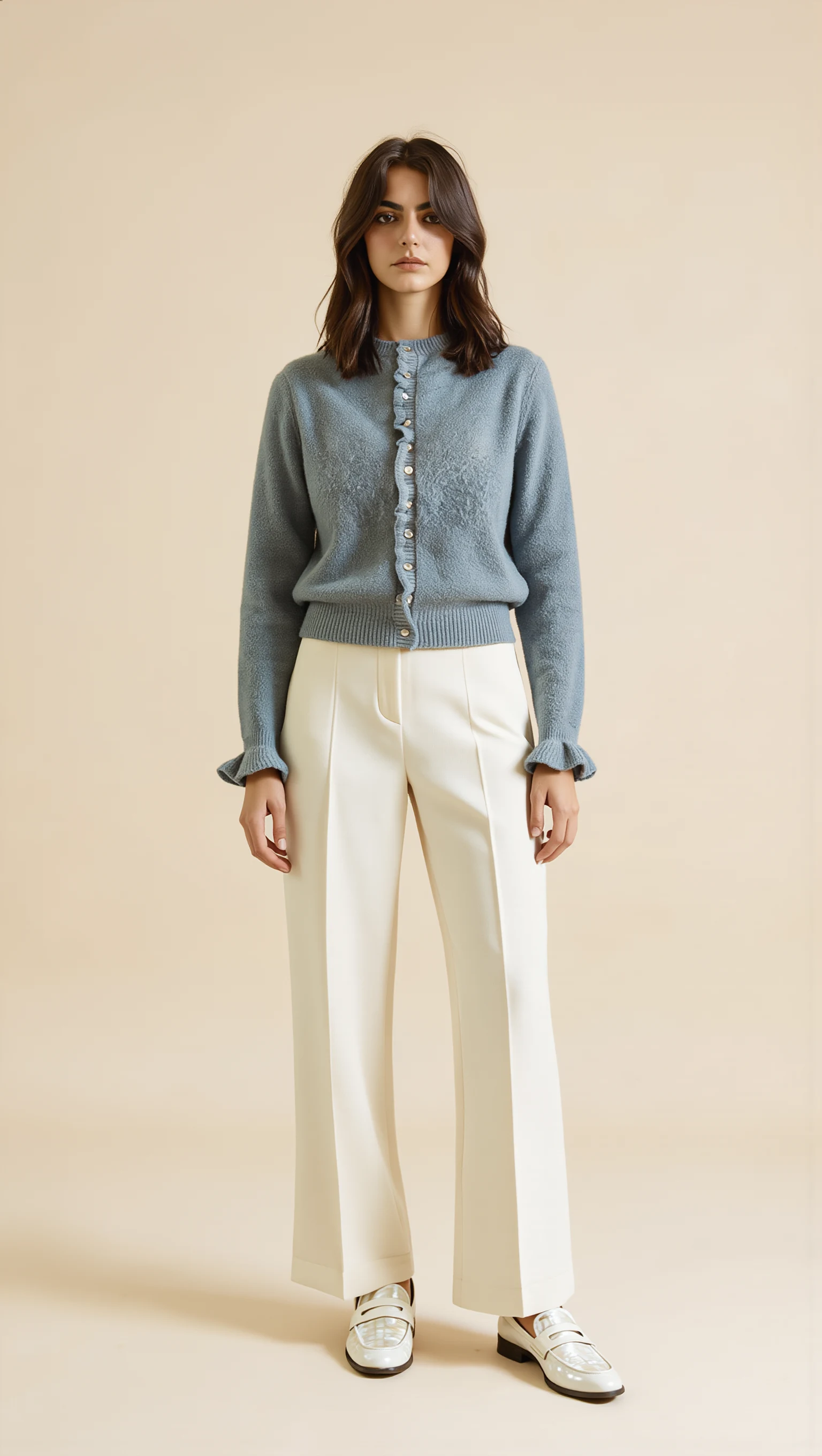
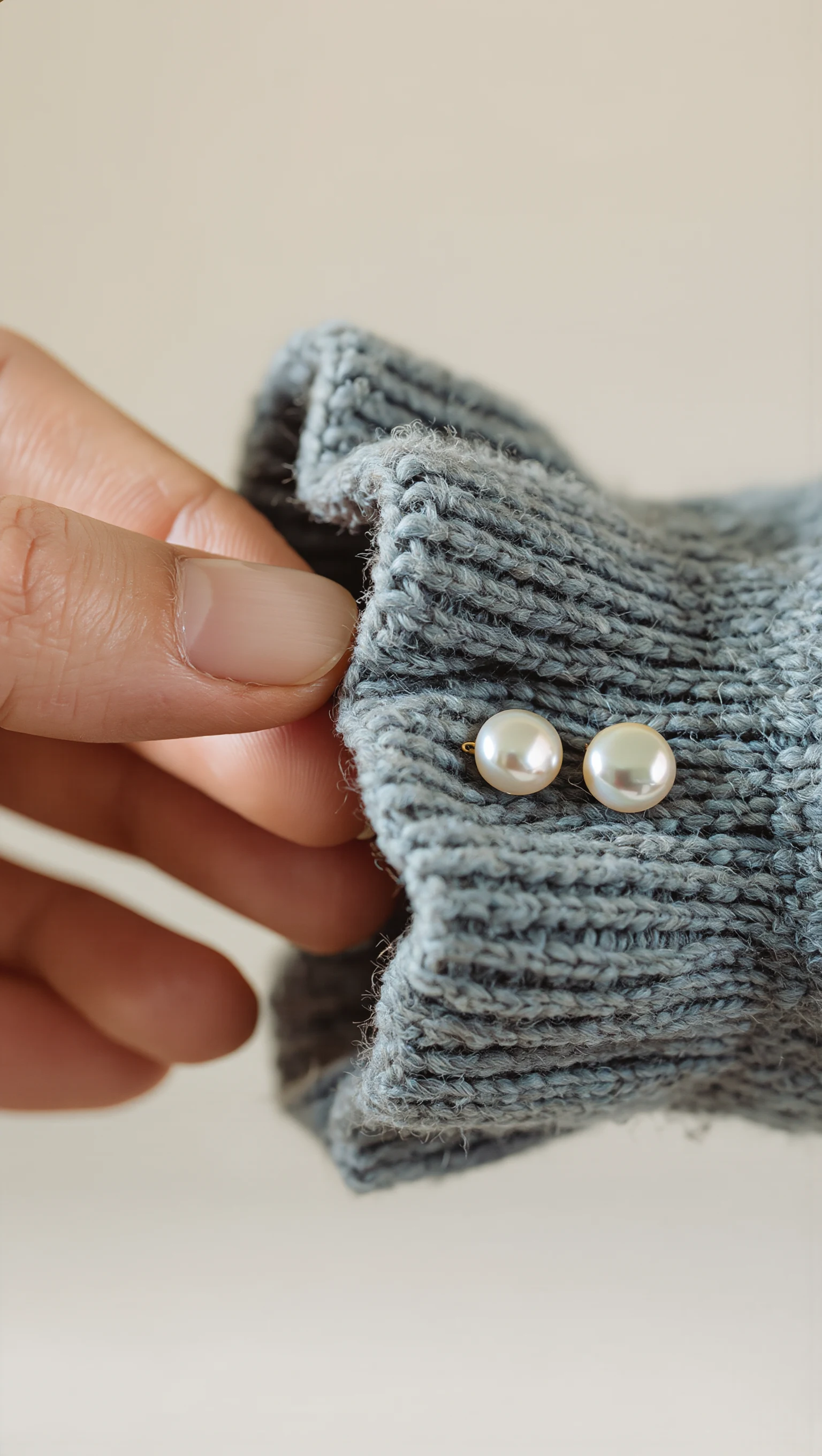
Dusty Slate-Blue Brushed Mohair Cardigan & Ivory Palazzo Trousers
Restyled from a cropped mirror selfie into a full-length Dubai modest-luxury studio look with mother-of-pearl buttons & lettuce-edge cuffs.
Calculate Your Monthly Return Savings & “Complete the Look” AOV Lift
Adjust the sliders below to model how reducing style/silhouette returns by 22% (relative) and lifting multi-garment bundle AOV compares against Style Swap AI’s $19.99/mo Trend and $49.99/mo Runway plans.
Executive Summary
Style Swap AI turns Shopify denim and trouser PDPs into zero-CLS fit-visualization engines. Seedream 5.0 Pro, orchestrated server-side via OpenRouter, renders the exact product image onto a shopper's privacy-protected selfie or a modest studio model, while WeVisOne-VL locks face, hair, and hijab so only the garment changes. The merchandising payoff is twofold: fewer fit-driven returns on high-consideration denim SKUs, and higher AOV from 3-garment Complete the Look bundles with one-click /cart/add.js checkout.
- Quick Mode renders a 1K denim try-on in ~8–10s; Best/Studio Mode outputs 2K high-definition for PDP hero and editorial crops (Priority 2K on the Unlimited Fashion Plan).
- custom.pair_with metafields auto-layer Top + Bottom + Outerwear—e.g., high-rise straight jean + silk cami + oversized blazer—with 1-click multi-SKU /cart/add.js bundle checkout.
- privacyZeroPhotoStorage (default on) strips EXIF and compresses to 1400px in-browser; inference runs in volatile RAM over TLS 1.3, so no selfie ever touches your database or Shopify Admin.
- Server-side Klaviyo 'Tried On Product' events plus the Shopify orders/paid webhook attribute revenue and AOV to every denim try-on (Klaviyo sync unlocks on the Runway Plan).
Style Swap AI vs Legacy Denim Try-On Alternatives
| Requirement | Style Swap AI (`seed-try-on`) | Legacy AR Try-On Widgets (Zeekit-style 2D overlays) | Manual Size Chart + Static Lookbook |
|---|---|---|---|
| Multi-garment layering (denim + top + outerwear) | ✓ Layers up to 3 garments (e.g., indigo straight jean + silk cami + blazer) via custom.pair_with metafields, DOM cross-sell detection, or the Shopify Product Recommendations API—rendered as one coherent outfit with correct occlusion at the waistband and hem. | ✕ Single-garment 2D overlay only; no layering logic, so shoppers can't see how a tucked tee or cropped jacket interacts with the rise. | Separate product photos per SKU; shoppers must mentally assemble the outfit and guess how lengths stack. |
| Rise, leg silhouette & hem break realism | ✓ Seedream 5.0 Pro renders high-rise vs mid-rise waistband placement, wide-leg vs straight drape, and cropped/ankle/full-length hem break on a selfie or modest model in ~8–10s. | ✕ Texture-mapped overlays ignore denim weight and stiffness, so rigid 14oz selvedge drapes like jersey and the hem break reads flat. | Fit notes like 'sits at natural waist' plus a size chart; no visual confirmation of rise or break on the shopper's body. |
| Zero photo storage & GDPR/PDPL compliance | ✓ privacyZeroPhotoStorage by default: client-side EXIF strip + 1400px compression, TLS 1.3 volatile-RAM inference, nothing written to disk, merchant DB, or Shopify Admin—built for GDPR, UAE PDPL, and Saudi PDPL. | ✕ Selfies typically persist on third-party servers, often outside EU/GCC jurisdiction—an immediate blocker for luxury and modest-fashion shoppers. | No upload means no privacy risk—but also no personalized fit preview. |
| Atmosphere & lighting remixes (Golden Hour, Desert Resort) | ✓ 5 instant remixes per try-on—Studio Editorial, Golden Hour, Evening Lounge, Parisian Street, Desert Resort—so one denim SKU renders across editorial settings without a reshoot. | ✕ Output locked to a neutral background; no environment or lighting control. | Each setting needs its own location shoot—weeks of lead time and budget per wash. |
| 1-tap 9:16 social story card generation | ✓ Native HTML5 canvas compositor exports a 1080×1920 story card with 1-tap WhatsApp/Instagram sharing via the Web Share API—organic fit-check content straight from the PDP. | ✕ No share surface; shoppers screenshot low-res previews with no branding or product link. | Marketing hand-builds story templates per campaign; nothing shopper-generated. |
| Closed-loop Klaviyo revenue attribution | ✓ Server-side 'Tried On Product' event + Shopify orders/paid webhook tie every try-on to revenue and AOV per SKU, so you can prove denim ROI (Runway Plan and above). | ✕ Try-on usage is a black box—no revenue linkage, no per-SKU insight. | No automated tracking; fit feedback arrives weeks later via return reasons and surveys. |
Why Static Galleries Kill Denim Conversion
Denim is the highest-consideration category in fashion e-commerce: rise, leg silhouette, wash, and hem break are nearly impossible to judge from flat lays or ghost-mannequin shots. Shoppers respond by bracketing—ordering two or three sizes—and industry return rates for online denim commonly land in the 30–40% range. Style Swap AI replaces the guesswork: Seedream 5.0 Pro renders your exact product photo onto a modest studio model or the shopper's own privacy-protected selfie in ~8–10 seconds, so 'how will these actually fit me?' is answered before the cart.
- Rise placement: WeVisOne-VL matte lock preserves the shopper's proportions while Seedream re-renders the waistband—high-rise above the navel, mid-rise at the natural waist—so 'where does it sit?' is answered visually.
- Leg silhouette & drape: wide-leg palazzo, straight indigo, and skinny cuts render with fabric-appropriate stiffness, so a rigid 14oz selvedge doesn't drape like a stretch jegging.
- Hem break & inseam: cropped, ankle, and full-length inseams show realistic stacking or a clean break over sneakers and heels—the detail that drives most denim bracketing.
- Zero-selfie evaluation: modest studio model presets let privacy-conscious shoppers (and GCC markets) check fit instantly without uploading anything.
Embedding Try-On Without Hurting Core Web Vitals
Style Swap AI installs as a Shopify Online Store 2.0 Theme App Extension with two surfaces—an App Block for the PDP and a Floating Pill for quick access. Both are server-rendered and lazy-hydrated on interaction, contributing zero Cumulative Layout Shift, which matters on denim PDPs already heavy with size charts and fit imagery. Inference is orchestrated server-side via OpenRouter, so no API keys or GPU infrastructure ever touch your theme.
- App Block: drop it beside the size selector or fit notes on the denim PDP; configure product ID, wash variant, and default model preset in block settings—no theme code edits required.
- Floating Pill: a sticky CTA that follows scroll on mobile (where denim bounce rates peak) and opens the same try-on modal without re-rendering the page.
- Metafield pairing: set the custom.pair_with metafield (JSON type) on each denim product—e.g., {"pairs": [topProductId, outerwearProductId]}—to seed the default 3-piece look.
- Headless support: Framer, Hydrogen, and Next.js storefronts integrate via the signed Shopify App Proxy at /apps/try-on/* and custom DOM events: seed-try-on:open, seed-try-on:add-to-cart, seed-try-on:complete-look-add.
{% comment %} Surface pair_with metafield for the Style Swap AI app block {% endcomment %}
{% assign paired = product.metafields.custom.pair_with.value %}
<div
  class="style-swap-try-on"
  data-product-id="{{ product.id }}"
  data-pair-with="{{ paired.pairs | join: ',' }}"
></div>Denim + Top + Outerwear: One Try-On, One Cart
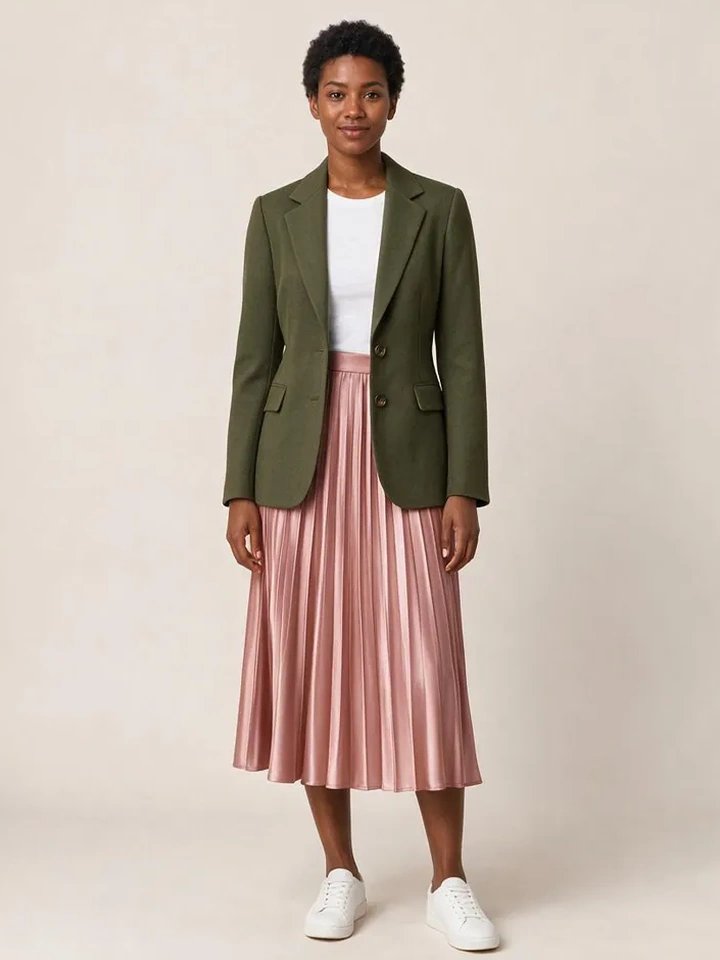
The 3-piece Complete the Look engine is the highest-ROI feature for denim merchants because jeans are almost never bought in isolation. The app auto-detects complementary garments via custom.pair_with metafields, the Shopify Product Recommendations API, or DOM cross-sell detection, then renders the full outfit—high-rise straight jean, silk cami, oversized blazer—as one coherent image with correct layering at the collar, waistband, and hem. One click adds every SKU to cart.
- Default look on load: the app reads custom.pair_with first and falls back to the Shopify Product Recommendations API, so every denim PDP opens with a styled Top + Bottom + Outerwear set.
- DOM cross-sell detection: point the app at your theme's related-products container and it scrapes handles client-side—useful when pairings live in a third-party upsell app.
- 1-click bundle checkout: seed-try-on:complete-look-add carries every variant ID; a single /cart/add.js request adds all line items—no multi-step bundler app.
- Attribution: the server-side Klaviyo 'Tried On Product' event includes the bundle SKUs, so post-purchase flows and AOV reporting segment by denim look (Runway Plan and above).
// One-click bundle checkout for the 3-piece denim look
document.addEventListener('seed-try-on:complete-look-add', (e) => {
  const items = e.detail.items.map((variantId) => ({ id: variantId, quantity: 1 }));
  fetch('/cart/add.js', {
    method: 'POST',
    headers: { 'Content-Type': 'application/json' },
    body: JSON.stringify({ items })
  }).then(() => { window.location.href = '/cart'; });
});Zero Photo Storage for GDPR, UAE PDPL & Luxury Shoppers
Luxury denim and modest-fashion brands selling into the EU, UAE, and KSA can't afford a data-privacy misstep. Style Swap AI defaults to privacyZeroPhotoStorage: true—EXIF metadata is stripped and the image compressed to a 1400px max dimension entirely in the browser, then processed over TLS 1.3 in volatile RAM and destroyed after inference. Nothing is written to disk, your Shopify Admin, or any merchant database, satisfying GDPR, UAE PDPL, and Saudi PDPL requirements.
- Client-side EXIF stripping removes GPS, device, and timestamp metadata before anything leaves the browser.
- 1400px max-dimension compression keeps inference fast and ensures no high-resolution original ever exists server-side.
- Volatile RAM only: Seedream 5.0 Pro runs in ephemeral containers over TLS 1.3; the selfie is destroyed the moment the render returns.
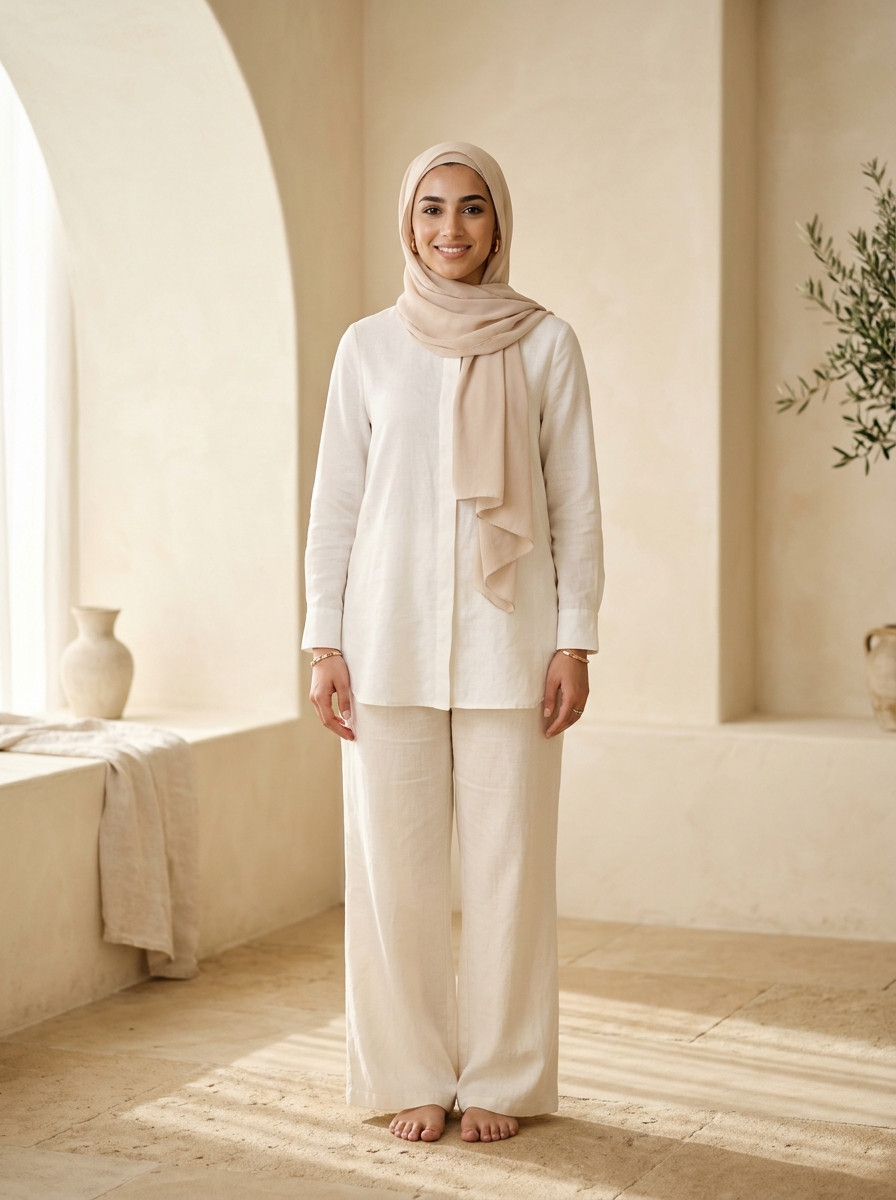
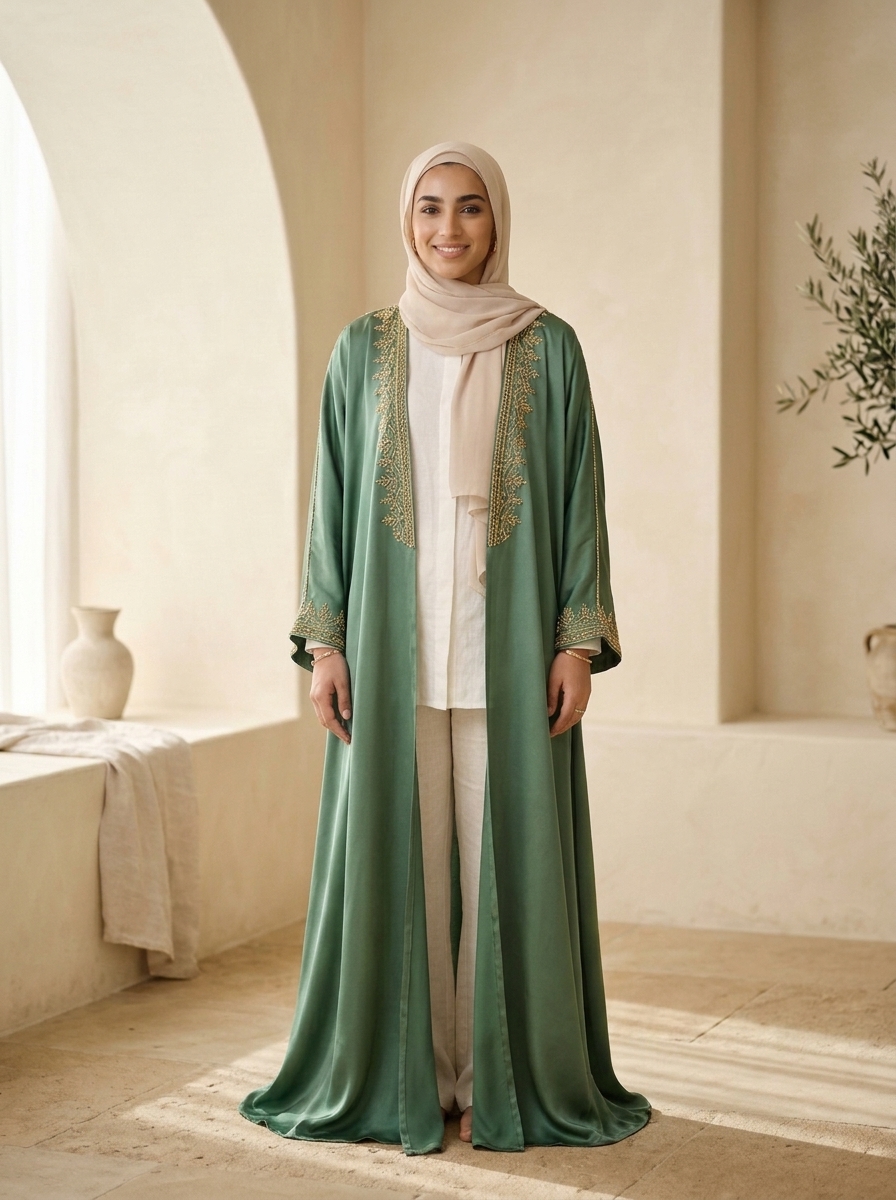
- Modest Studio Models: hijab, abaya, and covered-silhouette presets let shoppers evaluate rise and hem break with zero upload—validated on UAE/GCC catalogs including Astra Loungewear UAE (astraloungewear.ae)—and the full UI localizes to Arabic RTL (dir="rtl") for GCC storefronts.
Five Lighting Remixes and 9:16 Story Cards That Sell the Wash
Denim sells on context: the same indigo straight leg reads differently in a studio than at golden hour. Style Swap AI's 5 instant Atmosphere Remixes re-render any try-on across Studio Editorial, Golden Hour, Evening Lounge, Parisian Street, and Desert Resort—no reshoot, no new upload. The built-in 9:16 Story Card Generator then exports a 1080×1920 card for one-tap WhatsApp or Instagram Story sharing, turning every try-on into organic distribution.
- Match remix to wash story: Studio Editorial for PDP consistency, Golden Hour and Desert Resort for resort and weekend edits, Parisian Street for straight-leg city styling, Evening Lounge for black and dark-wash denim.
- One click per remix: the same try-on re-renders in place—no new upload, no extra setup—so shoppers can context-switch without leaving the modal.
- 9:16 story cards: a native HTML5 canvas compositor exports a 1080×1920 card with product and branding, shared in one tap via the Web Share API to WhatsApp or Instagram Stories—high-impact in GCC markets where WhatsApp drives fashion discovery.
- Merchandising tip: pin the remix that matches your campaign creative so paid traffic sees the same setting from ad to PDP to try-on.
Common Founder & Technical Questions: Denim & Trousers Visualization
How accurately does it show high-rise vs mid-rise waistband placement?
Seedream 5.0 Pro is fine-tuned on fashion imagery, and WeVisOne-VL reasoning segmentation locks face, hair, hijab, and body landmarks so only the garment changes. The model reads garment construction from your product photos—a high-rise waistband renders above the navel, mid-rise at the natural waist, and the hem break follows the inseam visible in the product image. The pipeline is validated on UAE/GCC catalogs including Astra Loungewear UAE (astraloungewear.ae) and Bouguessa-inspired minimalist silhouettes. For best results, shoot denim on-model or on a ghost mannequin with the waistband and hem clearly visible.
Can shoppers layer a denim jacket over a top and jeans in one try-on?
Yes. The 3-piece Complete the Look engine layers up to three garments in a single render—say a denim jacket over a silk cami over high-rise jeans—with correct occlusion at the collar, waistband, and hem. Set the custom.pair_with metafield (JSON: {"pairs": [topProductId, outerwearProductId]}) on the denim product, or let the Shopify Product Recommendations API auto-build the set. Shoppers can swap any layer inside the modal, then add all SKUs to cart in one click.
How do I set up Complete the Look pairings for my denim collection?
In Shopify Admin, add a metafield on each denim product with namespace 'custom', key 'pair_with', type JSON. Set the value to an object with a pairs array of product IDs—e.g., {"pairs": [8123456789, 8123456790]} for the top and outerwear. The app block reads it on PDP load and opens with that 3-piece look. No metafield? Enable the Shopify Product Recommendations API fallback to auto-pair from co-purchase behavior, or let DOM cross-sell detection scrape your theme's related-products module.
Does Style Swap AI store customer selfies? What about GDPR?
No selfies are ever stored. privacyZeroPhotoStorage is true by default: EXIF metadata is stripped and the image compressed to a 1400px max dimension entirely in the browser, then processed over TLS 1.3 in volatile RAM and destroyed immediately after inference. Nothing is written to disk, your Shopify Admin, or any merchant database—built for GDPR, UAE PDPL, Saudi PDPL, and luxury-house data policies. Shoppers who prefer not to upload at all can use modest studio model presets.
How fast are denim try-on renders, and does it hurt page speed?
Quick Mode renders at 1K resolution in ~8–10 seconds; Best/Studio Mode outputs 2K high-definition for hero imagery, with Priority 2K generation on the Unlimited Fashion Plan. The app block lazy-hydrates and the floating pill preloads the inference engine, so initial page load and Core Web Vitals are unaffected, and shoppers can re-render alternate washes in the same session without re-uploading. To benchmark your own catalog, paste any public Shopify product URL into the live sandbox at seed-try-on.fly.dev/demo—no install, ~8–12 seconds per render.
What does Style Swap AI cost for a denim or trousers brand?
All plans include a 7-day free trial with up to 50 try-on credits. Trend is $19.99/month (100 included try-ons, $0.16 per additional try-on). Runway is $49.99/month (350 included try-ons, $0.14 overage) and unlocks Klaviyo sync, full embed options, and developer events. Unlimited Fashion is $199.99/month (2,000 included try-ons, $0.10 overage) and adds Priority 2K image generation, unlimited shares, and a dedicated CSM. For a denim catalog, Runway is the typical starting point—Klaviyo attribution is what proves try-on-to-revenue ROI per SKU.