Co-Ord Sets & Loungewear: Lift Attach Rates with 1-Click, 3-Piece Complete-the-Look AI Try-On
For two-piece knit sets, linen co-ords, and luxury loungewear, Style Swap AI layers up to three garments in a single try-on and adds every SKU to cart with one tap. Modest studio models, zero-photo storage, and a full RTL Arabic UI come standard for privacy-obsessed, modest-first catalogs.
Toggle Companion Garments & Test 5 Instant “See It In…” Lighting Scenes
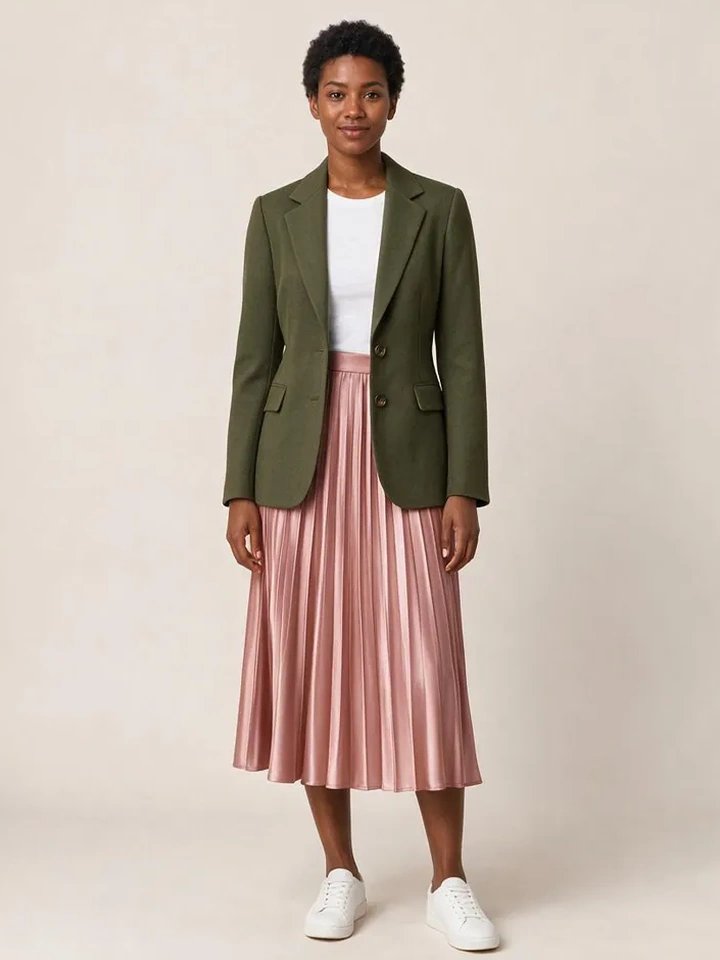
From Casual Mirror Selfies to 10-Second Dubai Luxury Lookbook Reels
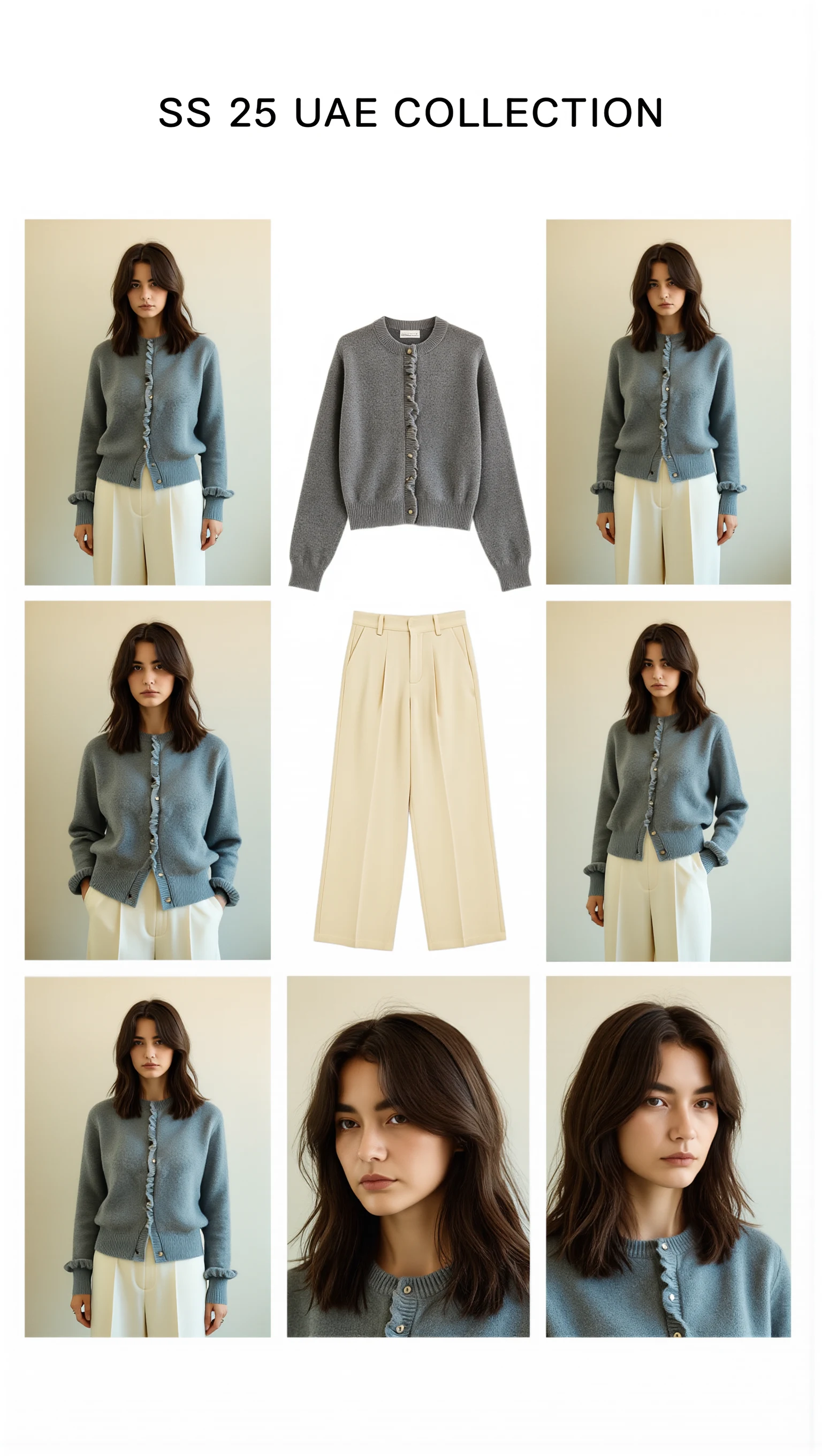
Cast across a cosmopolitan UAE lineup (Emirati/Arab, Afro-Arab, South Asian, Mediterranean & East Asian models) with automatic modest-luxury restyling, 100mm macro fabric close-ups, and Sweet Pants SS25–inspired 3×3 Editorial Bento Lookbook Grids.

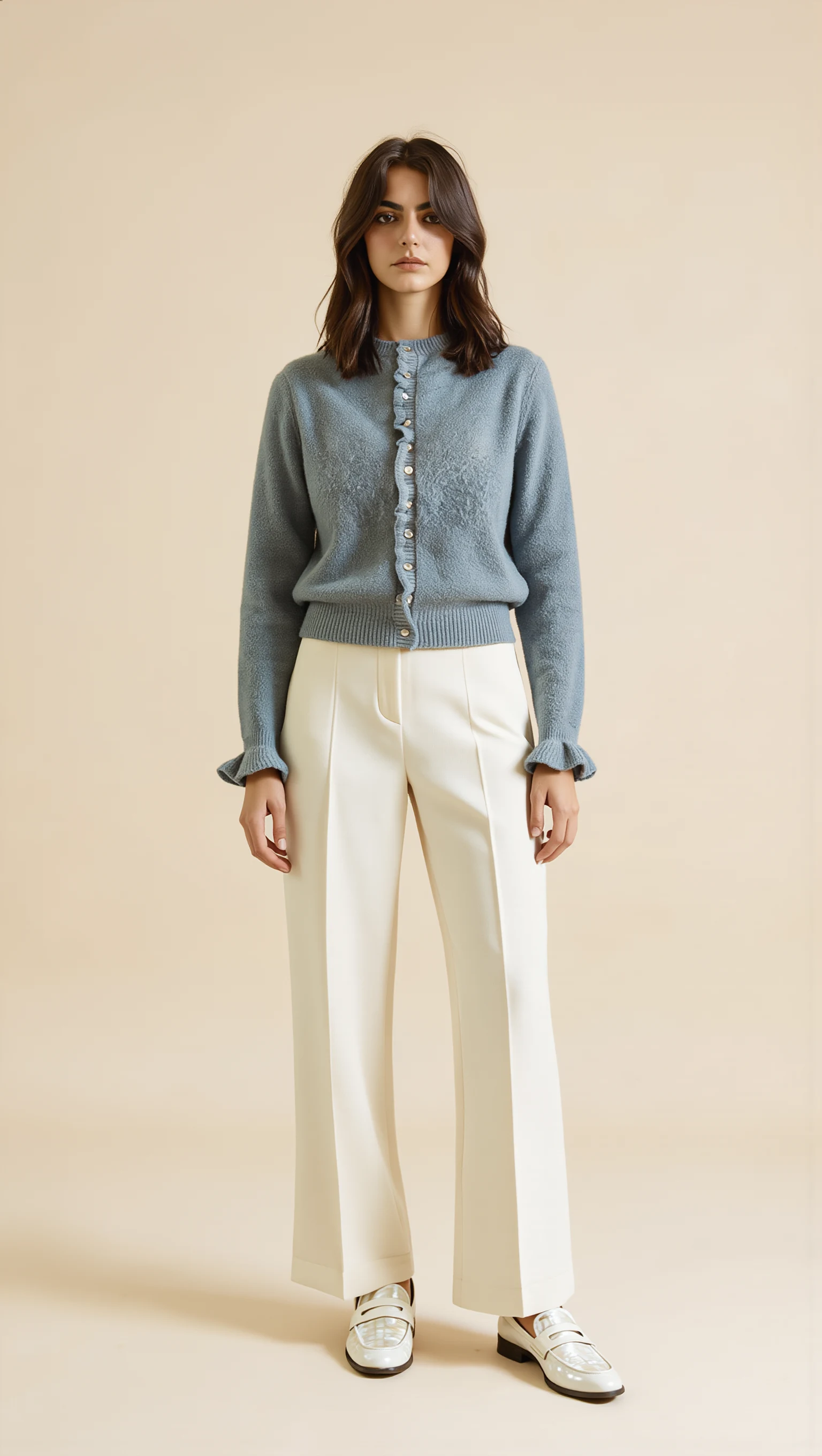
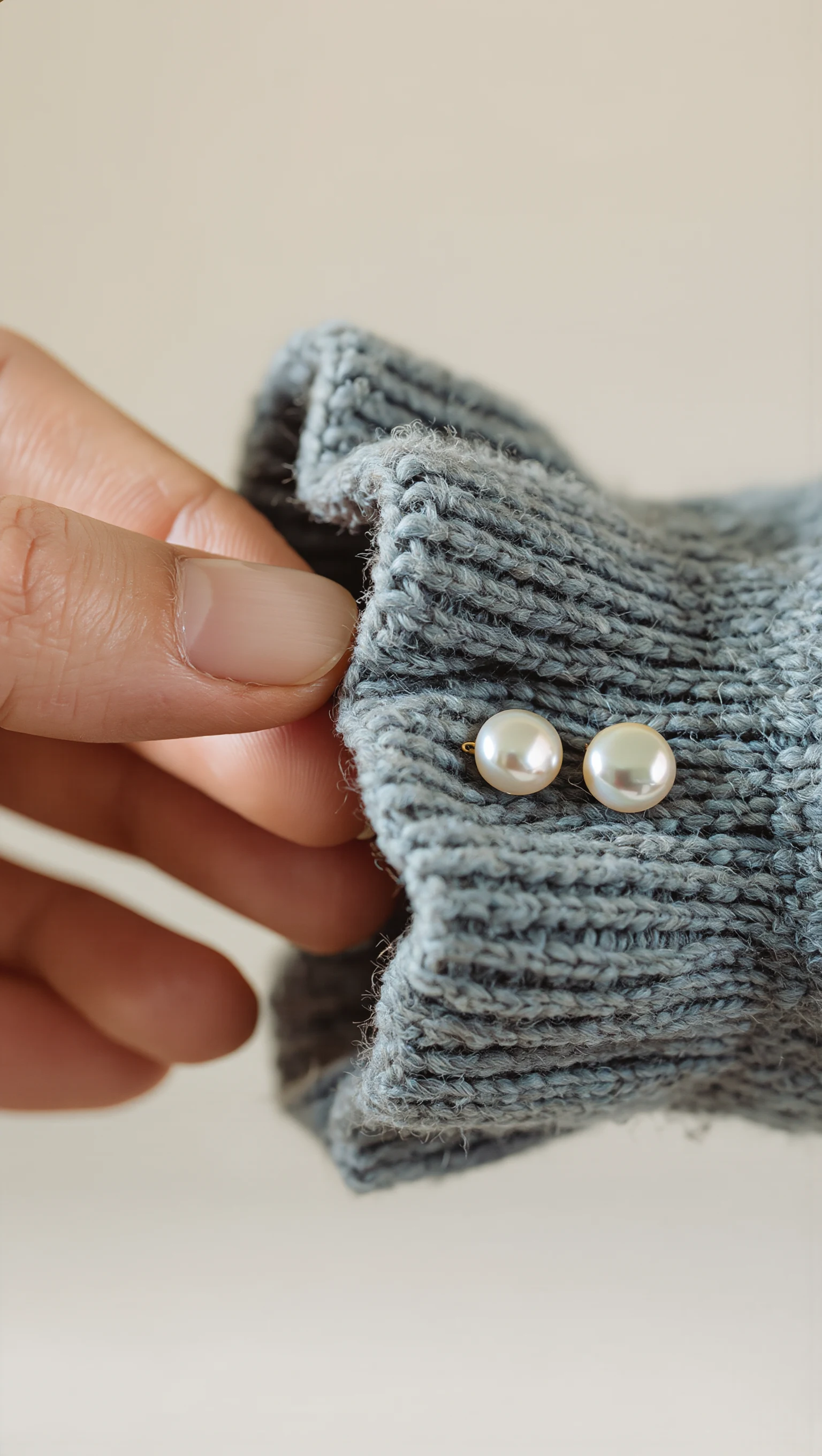
Dusty Slate-Blue Brushed Mohair Cardigan & Ivory Palazzo Trousers
Restyled from a cropped mirror selfie into a full-length Dubai modest-luxury studio look with mother-of-pearl buttons & lettuce-edge cuffs.
Executive Summary: Co-Ord Attach Rate Architecture
Style Swap AI replaces static co-ord lookbooks with server-side Seedream 5.0 Pro inference (orchestrated via OpenRouter) and WeVisOne-VL matte locking, preserving knit drape, linen texture, and hijab/hair boundaries across top, bottom, and outerwear layers. Pairing metafields, DOM cross-sell detection, and the Shopify Product Recommendations API fuse into a single /cart/add.js multi-SKU event—turning every co-ord PDP into a measurable attach-rate lever.
- Attach-rate engine: 1-tap Complete the Look adds up to 3 SKUs (knit top + wide-leg trouser + abaya, or hoodie + jogger + bomber) via one /cart/add.js items array, with orders/paid webhook revenue attribution tied to the 'Tried On Product' Klaviyo event.
- Zero-photo privacy: client-side EXIF stripping and 1400px-max compression, TLS 1.3 transport, volatile-RAM inference only—no shopper selfie is ever written to your database or visible in Shopify Admin. Built for GDPR, UAE PDPL, and Saudi PDPL.
- Modest-first by default: built-in modest studio model presets for zero-selfie evaluation plus a full dir=rtl Arabic UI, validated on Astra Loungewear UAE (astraloungewear.ae) and Bouguessa-inspired minimalist silhouettes.
- Speed and polish: Quick Mode returns a 1K try-on in ~8–10s; Studio Mode renders 2K high-definition; 5 atmosphere remixes (Studio Editorial, Golden Hour, Evening Lounge, Parisian Street, Desert Resort) match any loungewear campaign mood.
Style Swap AI vs Legacy Try-On Widgets & Static Lookbooks for Co-Ord Loungewear
| Requirement | Style Swap AI (`seed-try-on`) | Legacy single-garment AR try-on widget | Static lookbook / manual styling page |
|---|---|---|---|
| Multi-SKU outfit try-on & cart addition | ✓ Layers up to 3 co-ord garments (top + bottom + layer) and fires one /cart/add.js items array for the full bundle. | ✕ Single-garment overlay only; no multi-SKU bundle cart event. | Manual 'shop the look' links; no try-on, no bundle add. |
| Modest model & RTL localization | ✓ Modest studio presets, WeVisOne-VL hijab/hair matte lock, full dir=rtl Arabic UI. | ✕ Western-only models, no matte lock, LTR-only UI. | Fixed photography; no localization or model swap. |
| Zero-photo privacy | ✓ Client-side EXIF strip, volatile-RAM inference, zero selfie persistence. | ✕ Typically uploads and stores shopper selfies. | No uploads—but zero personalization. |
| Klaviyo & ROI attribution | ✓ Server-side 'Tried On Product' Klaviyo event + orders/paid webhook AOV attribution per bundle. | ✕ No closed-loop Shopify order attribution. | UTM/GA only; no per-product try-on event. |
| Atmosphere & lighting remixes | ✓ 5 remixes (incl. Evening Lounge, Desert Resort) in 1K Quick or 2K Studio modes. | ✕ Fixed lighting; no scene remix. | One studio shoot per season. |
| Social story card generation | ✓ Native 1080x1920 canvas story card + Web Share API for WhatsApp/IG. | ✕ Screenshot-only; no share card. | Manual repost of lookbook images. |
Zero-CLS App Block + Floating Pill for OS 2.0 and Headless Storefronts
Deploy as a Shopify Online Store 2.0 Theme App Extension—an App Block on the PDP plus a Floating Pill on collection and home pages—with zero Cumulative Layout Shift, or mount on Hydrogen, Next.js, or Framer via a signed Shopify App Proxy under /apps/try-on/*. Inference runs server-side (Seedream 5.0 Pro via OpenRouter), so shoppers install nothing and see a 1K Quick Mode co-ord try-on in ~8–10 seconds. Want proof before you commit? Paste any public Shopify product URL into the live zero-install sandbox at https://seed-try-on.fly.dev/demo and get a result in ~8–12 seconds.
- Place the App Block beside the size selector on co-ord PDPs; keep the Floating Pill on loungewear collection and home pages with a 'Try on this set' CTA—both render without layout shift, protecting Core Web Vitals.
- On headless builds, listen for seed-try-on:open, seed-try-on:add-to-cart, and seed-try-on:complete-look-add custom DOM events to sync try-on state with your own cart drawer and analytics layer.
- Quick Mode (1K, ~8–10s) covers evaluation traffic; Studio Mode (2K high-definition) suits high-intent PDPs—the Unlimited Fashion Plan ($199.99/mo) unlocks Priority 2K generation for drop-day spikes.
- The signed App Proxy passes Shopify customer context only; selfies are processed in volatile RAM and never stored—only the composited try-on result returns to the browser.
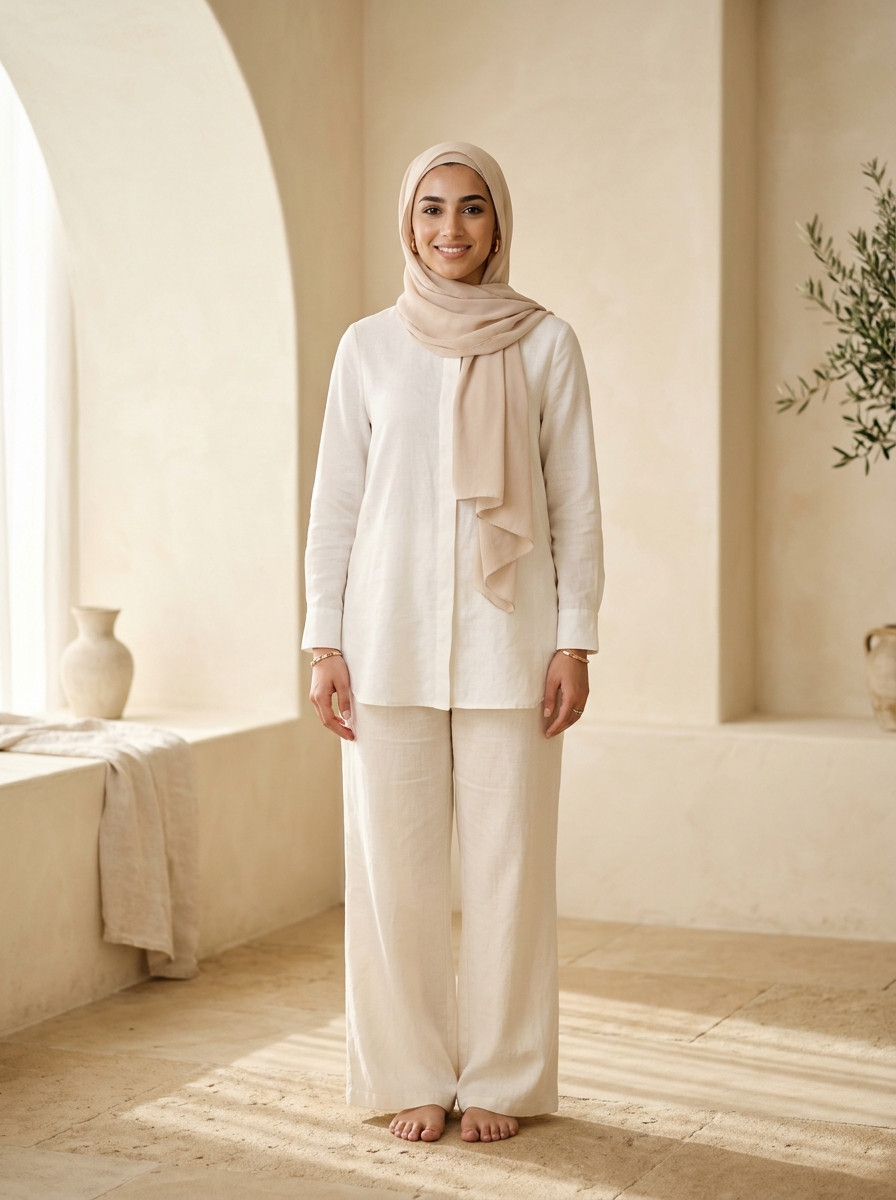
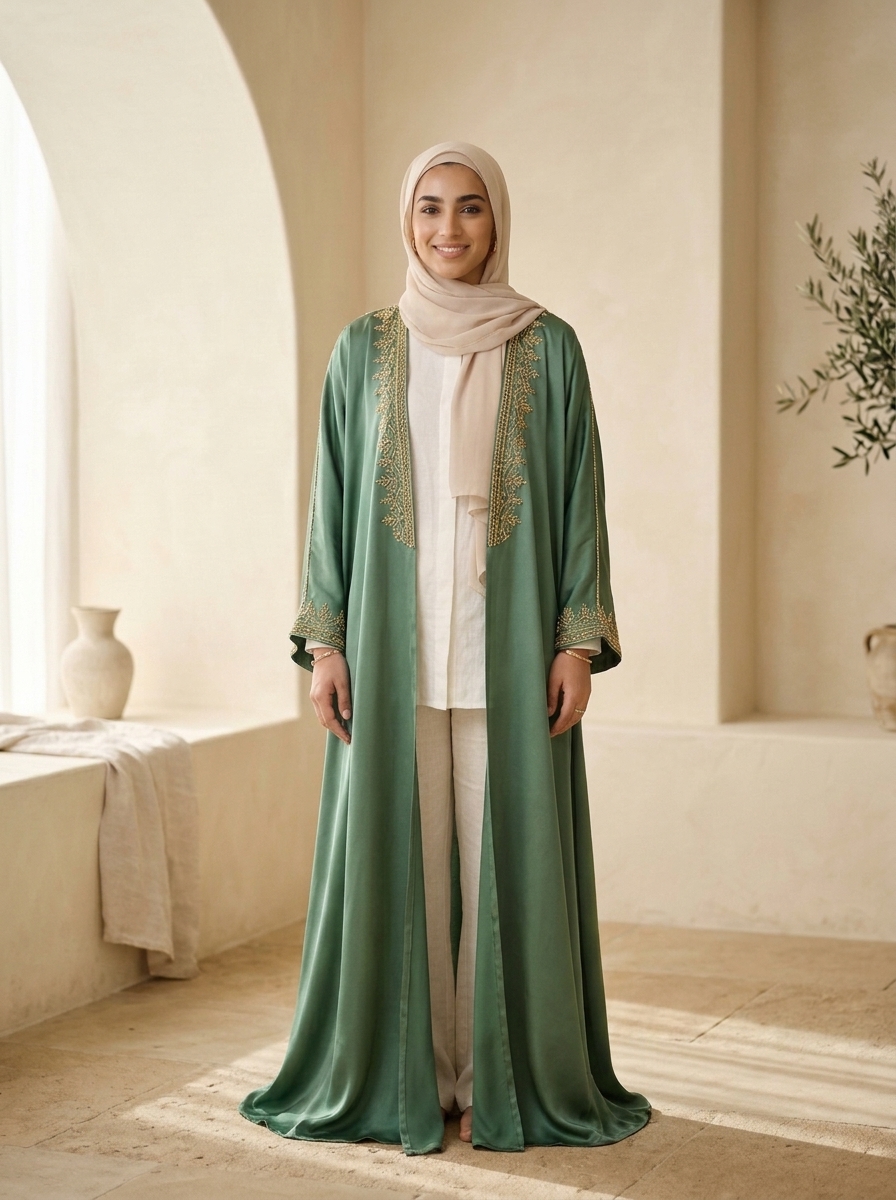
Pairing Metafields, DOM Cross-Sell Detection & 1-Click Multi-SKU Cart
Layer up to three garments—knit top + matching trouser + cardigan or abaya—resolved in priority order: the custom.pair_with product metafield, DOM cross-sell detection on your theme, then the Shopify Product Recommendations API. When the shopper accepts the outfit, Style Swap AI fires a single /cart/add.js call with an items array covering every SKU, preserving line-item properties so the bundle stays attributable end to end.
- On each co-ord top, set custom.pair_with (namespace: custom, key: pair_with) as a JSON array of product handles or variant IDs pointing at the matching bottom and layer; keep fabric and colorway aligned so the render reads as one intentional set.
- No metafield? The extension falls back to PDP cross-sell blocks, then to the Product Recommendations API—seed it by merchandising co-ords in the same collection and colorway so suggestions stay on-brand.
- The bundle add posts { items: [{ id, quantity }] } to /cart/add.js on OS 2.0; on headless, intercept seed-try-on:complete-look-add and call your own cart mutation (e.g., Storefront API cartLinesAdd).
- Create a 'modest bundle' rule for UAE/GCC catalogs that always appends a matching abaya or hijab-compatible layer—this is the fastest attach-rate win on loungewear PDPs.
// theme.liquid: expose co-ord pairings from the custom.pair_with metafield
const pairings = {{ product.metafields.custom.pair_with.value | json }};
window.StyleSwapPairings = Array.isArray(pairings) ? pairings : [];

// One-tap bundle: add every SKU from the Complete-the-Look event
window.addEventListener('seed-try-on:complete-look-add', (e) => {
  const items = e.detail.items.map(({ variant_id, quantity }) => ({
    id: variant_id,
    quantity,
    properties: { _style_swap: 'complete-the-look' } // line-item attribution
  }));
  fetch('/cart/add.js', {
    method: 'POST',
    headers: { 'Content-Type': 'application/json' },
    body: JSON.stringify({ items })
  });
});Zero-Photo Storage, Volatile-RAM Inference, and Full RTL Arabic UI
privacyZeroPhotoStorage is true by default: EXIF GPS/timestamps are stripped and the selfie is compressed to a 1400px max dimension in the browser, then uploaded over TLS 1.3 and processed in volatile RAM only. No shopper photo is ever written to your database, an external bucket, or Shopify Admin—critical for GDPR, UAE PDPL, and Saudi PDPL, and for luxury loungewear shoppers who will not upload to a store that keeps their image.
- Keep privacyZeroPhotoStorage: true (the default); the client strips EXIF and compresses to maxDim 1400px before any network call leaves the device.
- Say it on the PDP: 'Your photo is never stored.' Volatile-RAM processing means nothing persists in Shopify Admin or external storage—an actual conversion lever for privacy-obsessed shoppers.
- Offer the built-in modest studio model presets as the default try-on path so shoppers can evaluate a co-ord's drape and proportions with zero selfie required.
- Ship the full dir=rtl Arabic UI—buttons, error states, and share flows—validated on Astra Loungewear UAE and Bouguessa-inspired minimalist silhouettes; auto-switch via locale detection for GCC traffic.
Klaviyo Closed-Loop Attribution and 9:16 Story Card Compositor
A server-side 'Tried On Product' Klaviyo event fires on every completed try-on, and the Shopify orders/paid webhook ties revenue and AOV back to that session—so you can prove exactly what each co-ord bundle earned. The native client-side HTML5 canvas compositor exports a 1080x1920 story card with the try-on, product names, and CTA, shared in one tap to WhatsApp or Instagram via the Web Share API.
- Klaviyo sync unlocks on the Runway Plan ($49.99/mo); the 'Tried On Product' event carries product and variant IDs so flows can trigger co-ord-specific follow-ups like 'Your set is still in stock.'
- Pair the Klaviyo event with the orders/paid webhook to attribute AOV lift per bundle—compare 1-SKU vs 3-SKU checkouts from seed-try-on:complete-look-add sessions.
- The 9:16 compositor bakes the try-on, product names, and a 'Shop the co-ord' CTA into one 1080x1920 card—no design tool, one tap to WhatsApp/IG via the Web Share API.
- Pick an atmosphere per campaign—Evening Lounge for nightwear drops, Desert Resort for linen co-ords; the Unlimited Fashion Plan ($199.99/mo) adds Priority 2K generation and unlimited shares for influencer seeding.
Common Founder & Technical Questions: Co-Ord Sets & Loungewear
Can Style Swap AI try on a matching top and bottom at the same time?
Yes. Complete the Look layers up to 3 garments—top, bottom, and an outerwear or abaya layer—resolved from custom.pair_with metafields, DOM cross-sell detection, or the Shopify Product Recommendations API, then adds every SKU in one /cart/add.js call.
Does the shopper have to upload a photo to see a co-ord set?
No. Built-in modest studio model presets enable zero-selfie evaluation. If a shopper does upload, EXIF data is stripped client-side, the image is processed in volatile RAM over TLS 1.3, and nothing is ever stored.
How does the 1-click multi-SKU cart addition work technically?
On try-on acceptance the widget fires seed-try-on:complete-look-add with an items array of variant IDs and quantities. On OS 2.0 it posts to /cart/add.js; on headless storefronts you listen for the custom event and call your own cart mutation.
Is it compliant with UAE PDPL and Saudi PDPL?
Yes. Zero-photo storage is the default: client-side EXIF stripping, TLS 1.3 transport, and volatile-RAM inference mean no shopper selfie is persisted in Shopify Admin or any database, satisfying GDPR, UAE PDPL, and Saudi PDPL requirements.
Can I attribute co-ord bundle revenue in Klaviyo?
Yes—on the Runway Plan ($49.99/mo) and above. Style Swap AI sends a server-side 'Tried On Product' Klaviyo event, and the Shopify orders/paid webhook attributes revenue and AOV to that try-on for closed-loop ROI reporting per co-ord set.
What does Style Swap AI cost for a co-ord or loungewear brand?
Trend is $19.99/mo (100 try-ons included, $0.16/try-on overage), Runway is $49.99/mo (350 try-ons, $0.14 overage, unlocks Klaviyo sync and dev events), and Unlimited Fashion is $199.99/mo (2,000 try-ons, $0.10 overage, Priority 2K generation, unlimited shares, dedicated CSM). Every plan includes a 7-day free trial with up to 50 try-on credits.