AI Complete-the-Look Outfit Builder for Shopify: Multi-Garment Virtual Try-On
Move beyond single-item virtual try-on. Style Swap AI combines `custom.pair_with` product metafields, automatic DOM 'Pair it with' cross-sell detection, and Shopify's Product Recommendations API so shoppers can visually layer up to 3 pieces in one AI photo and add the entire outfit to cart.
Toggle Companion Garments & Test 5 Instant “See It In…” Lighting Scenes
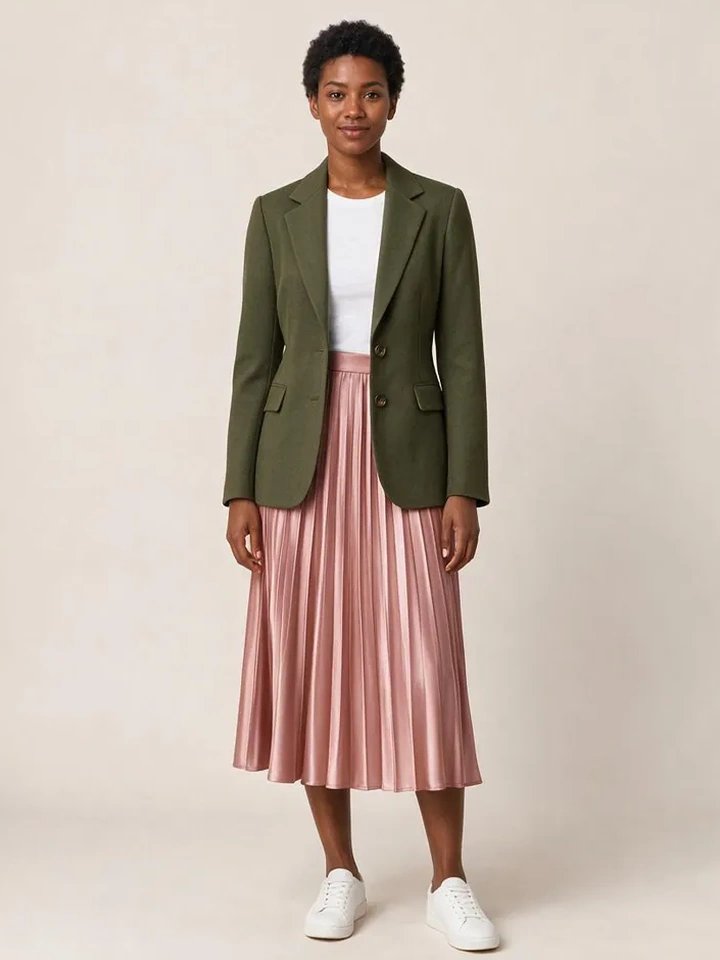
From Casual Mirror Selfies to 10-Second Dubai Luxury Lookbook Reels
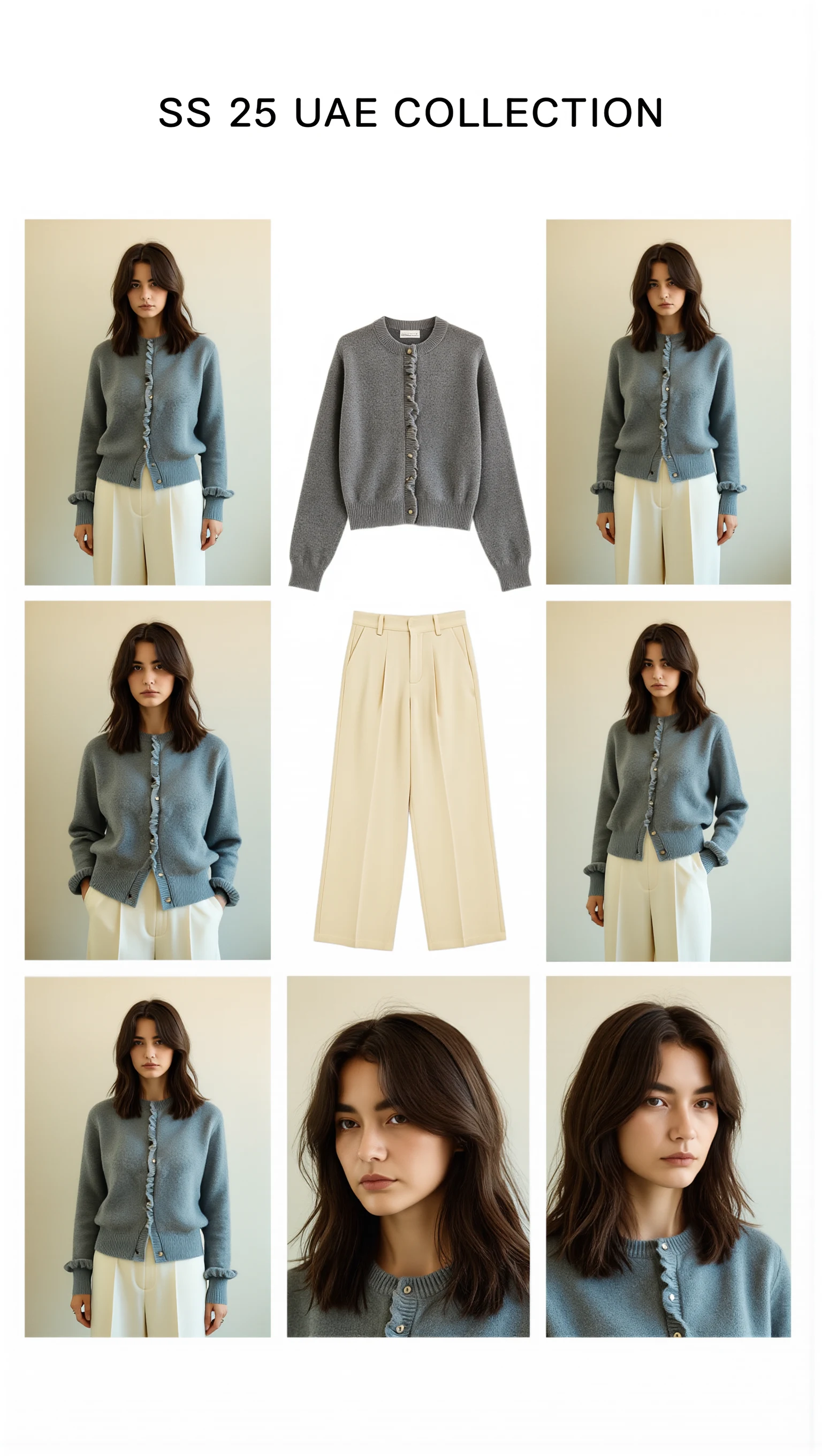
Cast across a cosmopolitan UAE lineup (Emirati/Arab, Afro-Arab, South Asian, Mediterranean & East Asian models) with automatic modest-luxury restyling, 100mm macro fabric close-ups, and Sweet Pants SS25–inspired 3×3 Editorial Bento Lookbook Grids.

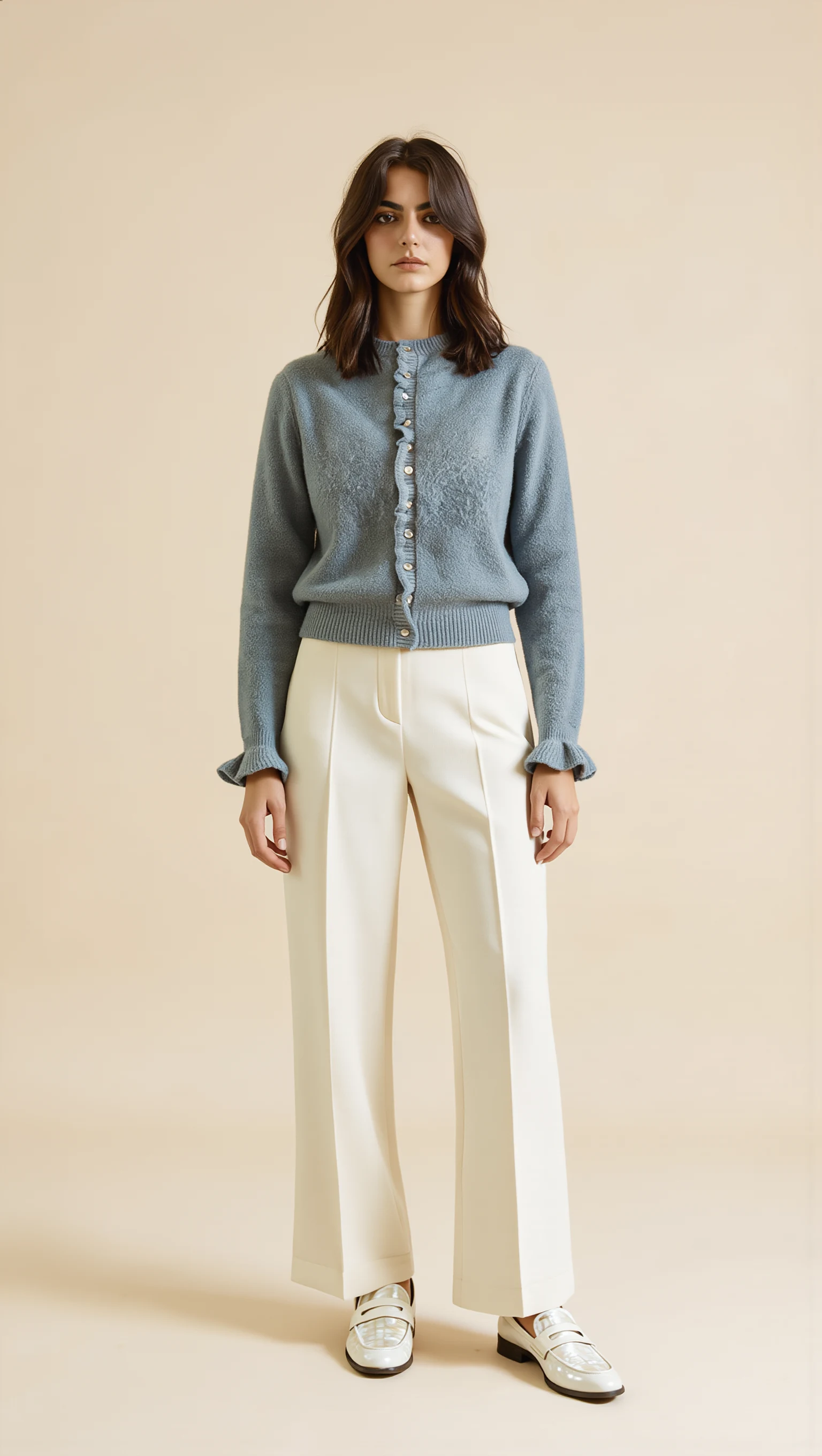
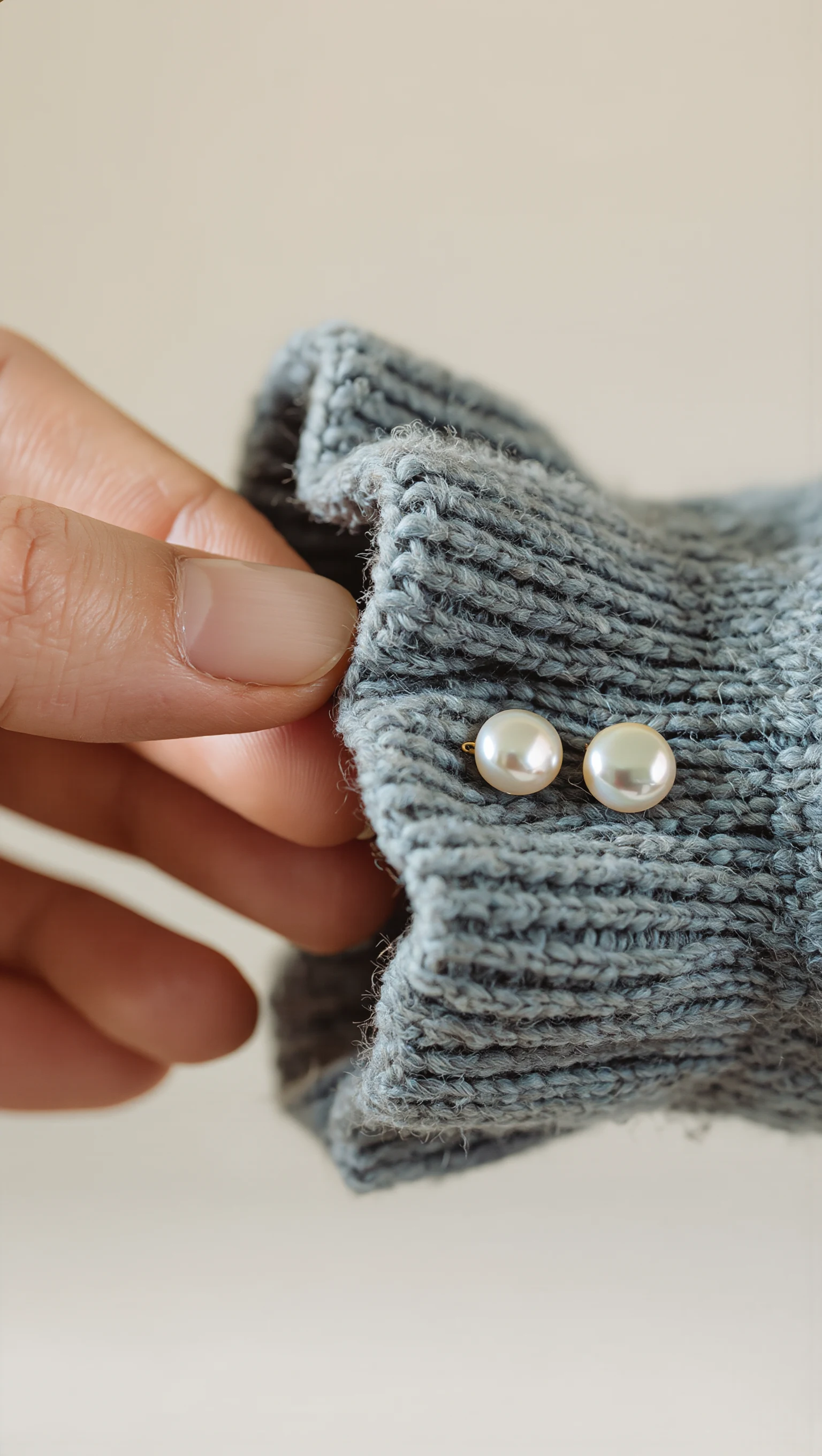
Dusty Slate-Blue Brushed Mohair Cardigan & Ivory Palazzo Trousers
Restyled from a cropped mirror selfie into a full-length Dubai modest-luxury studio look with mother-of-pearl buttons & lettuce-edge cuffs.
How the 3-Piece Multi-Garment Virtual Try-On Pipeline Works
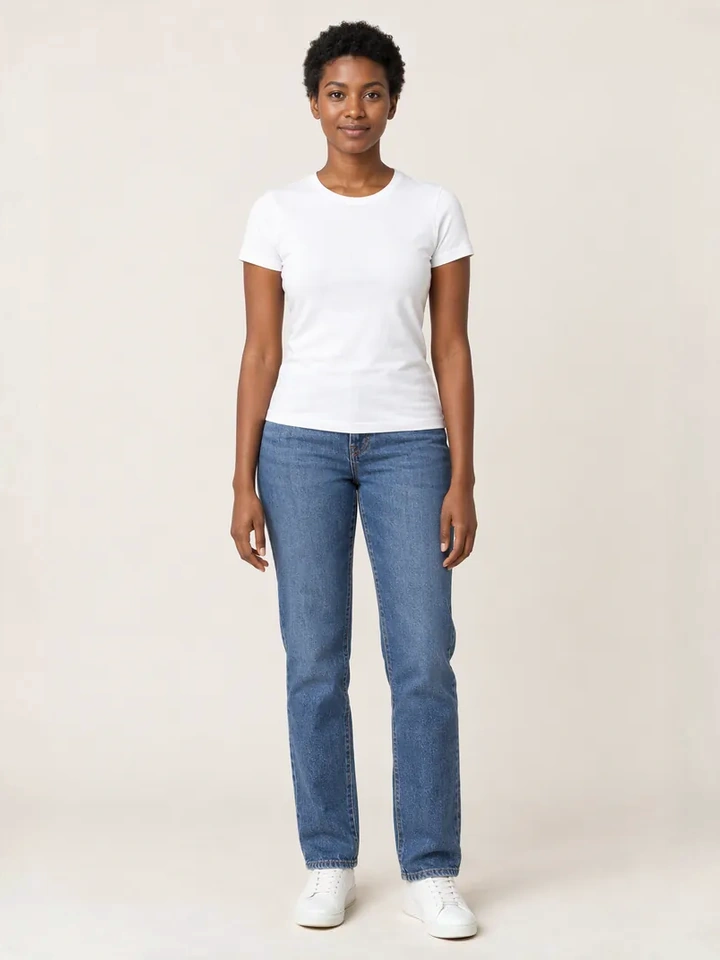
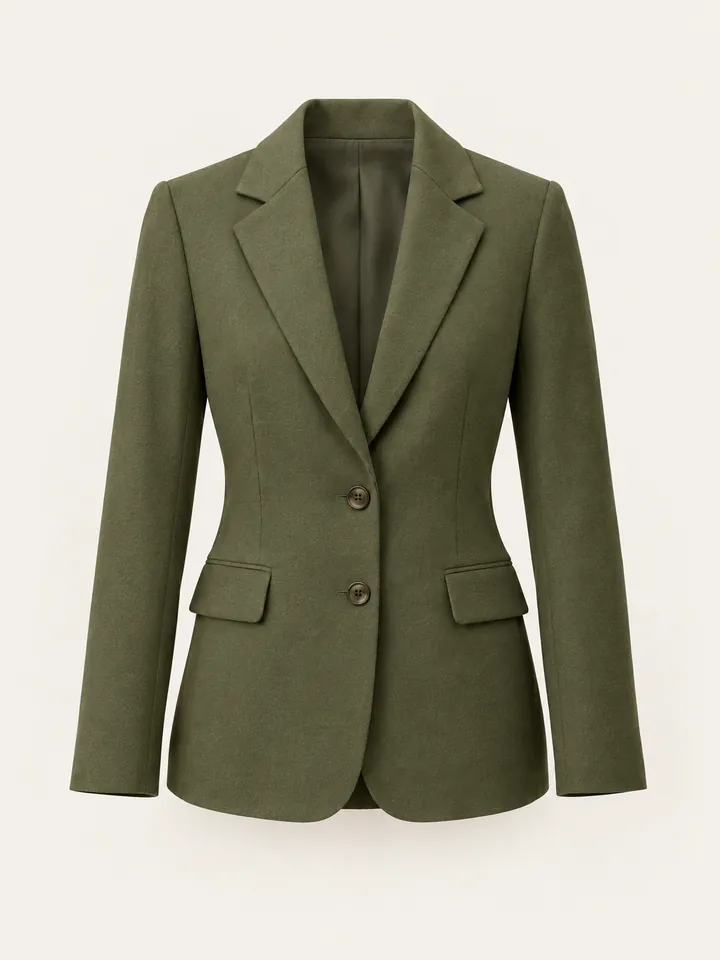
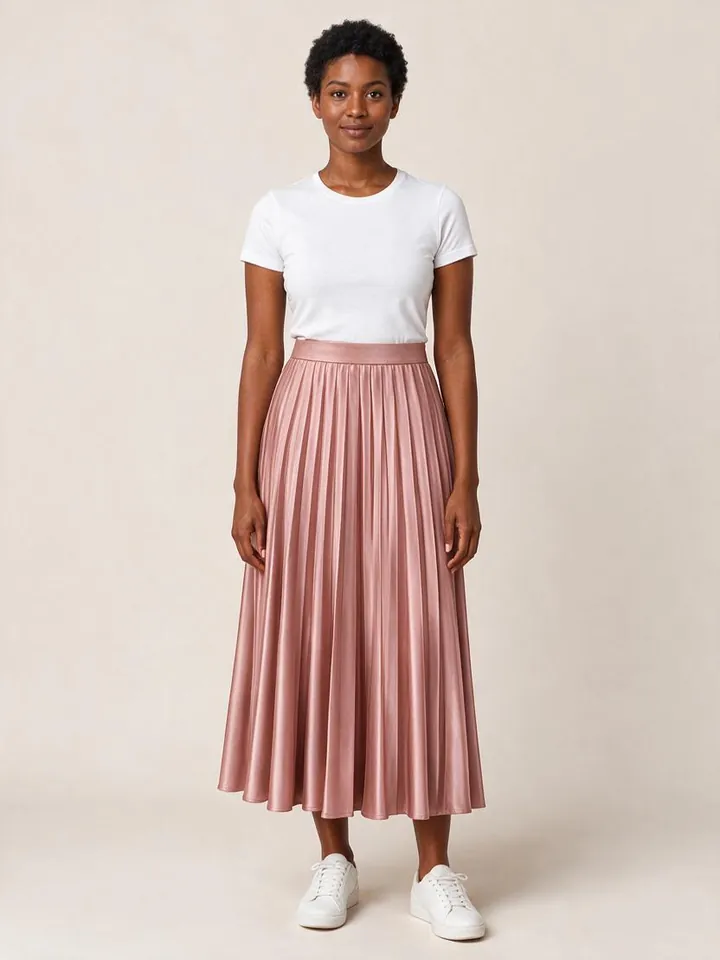
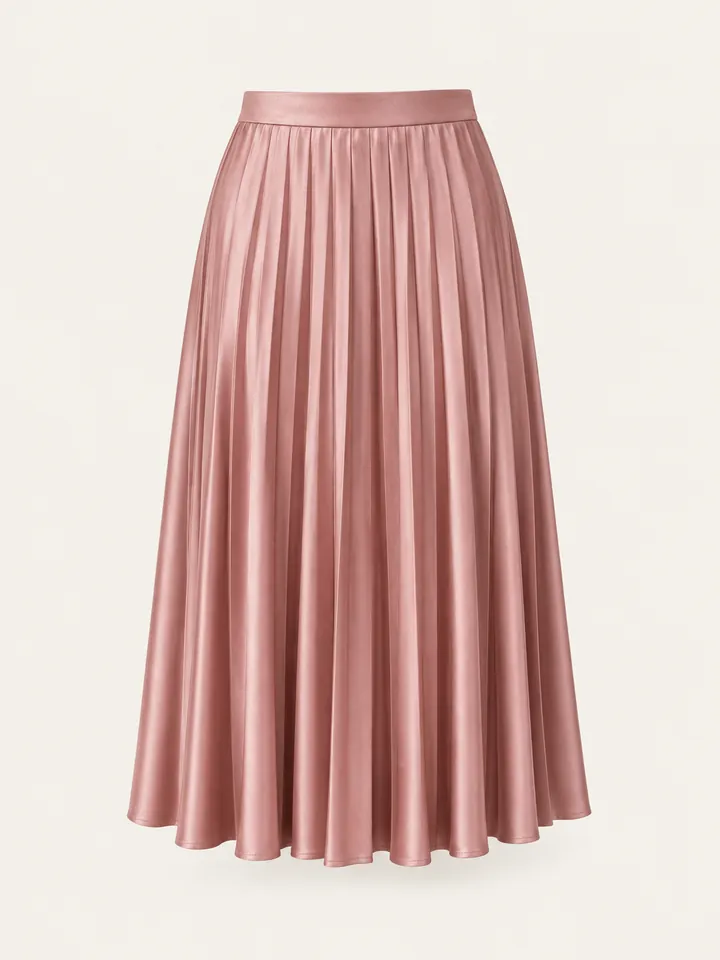
First-generation virtual try-on apps only replace a single garment at a time—meaning a shopper looking at a blazer cannot see how it pairs with your matching trousers and silk camisole. Style Swap AI turns the try-on drawer into an interactive 3-piece outfit styler:
- Deterministic Merchandising via `custom.pair_with`: Merchants can assign exact complementary products using a `custom.pair_with` product list metafield (or automatic DOM detection of existing 'Pair it with' / 'Complete the look' cross-sell blocks on the PDP).
- Automatic Fallback to Shopify Recommendations API: If no manual metafield is set, the extension queries `/recommendations/products.json?product_id={id}&limit=4` so every SKU always has an outfit tray ready.
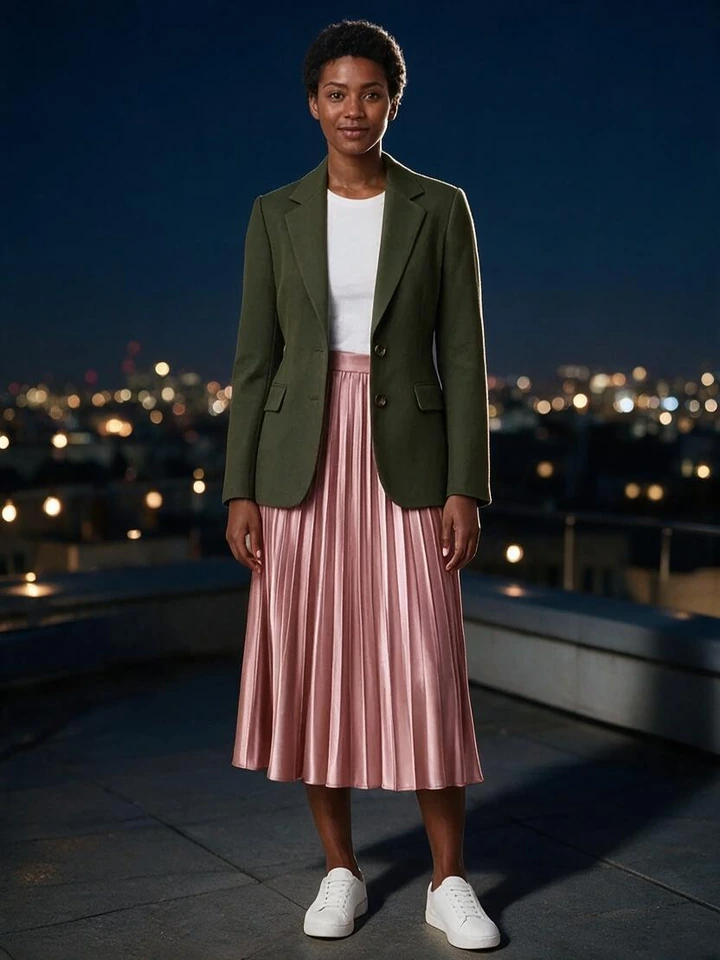
- Single-Pass 3-Garment AI Synthesis: Shoppers toggle up to 2 companion pieces alongside the main PDP garment (up to 3 total items: e.g., Top + Bottom + Outerwear) and generate a single cohesive look in 8–12 seconds.
- 1-Click Multi-SKU Cart Bundle (`/cart/add.js`): Clicking 'Add Complete Outfit to Cart' submits all selected variant IDs in an atomic payload and emits `seed-try-on:complete-look-add` for slide-cart drawers.
Style Swap AI Outfit Builder vs. Single-SKU Try-On vs. Static Upsell Widgets
| Requirement | Style Swap AI (`seed-try-on`) | Single-SKU Try-On Apps (GenLook, Try-On.AI) | Static 'Frequently Bought Together' Widgets |
|---|---|---|---|
| Simultaneous Multi-Garment Try-On (Up to 3 SKUs) | ✓ Renders Top + Bottom + Outerwear together on the shopper in 1 AI pass | ✕ Only 1 garment per generation; overwrites previous item | ✕ Static side-by-side thumbnails only |
| Curated Pairing via `custom.pair_with` Metafield | ✓ Native support for `custom.pair_with` product references + DOM scraping | ✕ No outfit pairing logic | ✓ Manual rules, no visual try-on |
| Automatic DOM 'Pair It With' Detection | ✓ Automatically detects existing PDP cross-sell links & hydrates variant data | ✕ Ignored | N/A |
| 1-Click Multi-Item Cart Addition (`/cart/add.js`) | ✓ Atomic multi-variant POST + `_tryon_outfit` revenue attribution tags | ✕ Single product add-to-cart only | ✓ Multi-item add without try-on |
| Impact on Units Per Transaction (UPT) & AOV | ✓ Drives 1.8×–2.4× higher UPT when shoppers visually validate the full set | Neutral (1.0× single-item focus) | Low (3–5% click-through on static thumbnails) |
Zero-Effort Merchandising: `custom.pair_with` Metafields + DOM Detection + Recommendations API
Merchandising teams want full control over hero lookbooks without having to manually configure thousands of back-catalog SKUs. Style Swap AI uses a cascading 3-tier discovery hierarchy inside the Theme App Extension:
- Tier 1 — Curated `custom.pair_with` Metafield: Attach a list of complementary Product references in Shopify Admin (`product.metafields.custom.pair_with`). The Liquid block serializes those exact handles, images, and default available variant IDs directly into the drawer.
- Tier 2 — Automatic DOM 'Pair It With' Detection: If your theme already renders a 'Pair it with', 'Complete the look', or 'Style with' section on the PDP, Style Swap AI's storefront script inspects `/products/{handle}.js` links inside that container and automatically populates the try-on outfit tray.
- Tier 3 — Shopify Product Recommendations API Fallback: For any remaining products, the drawer fetches `/recommendations/products.json?product_id={id}&limit=4`, ensuring 100% catalog coverage on day one.
// Example: Listening to multi-garment outfit cart additions in custom themes
window.addEventListener("seed-try-on:complete-look-add", (event) => {
  const { items, primaryProductId, outfitCount } = event.detail;
  console.log("Added Complete Look bundle to Shopify cart:", items);
  // Trigger your theme's slide-out cart drawer refresh
});
How Seedream Layers Tops, Bottoms, and Outerwear Without Visual Artifacts
When a shopper selects 2 or 3 items in the 'Complete the Look' tray, Style Swap AI passes the primary garment and `outfitItems` array to our server-side OpenRouter orchestrator (`app/services/openrouter.server.ts`).
- Multi-Reference Conditioning: All selected garment images are normalized and passed alongside explicit garment titles so tucking, waistlines, and open-front layering (such as blazers, cardigans, or abayas over trousers) render naturally.
- Persistent Outfit Audit Trail: The Prisma `TryOnJob` model records the JSON `outfitItems` array alongside `productId`, letting merchants see exactly which multi-item combinations shoppers generate most frequently.
Track Multi-Item Outfit Revenue via Shopify `orders/paid` Webhooks
Every multi-item cart addition stamps `_tryon_product_id` and `_tryon_timestamp` cart attributes. When the shopper completes checkout, Style Swap AI verifies the paid order via Shopify's `orders/paid` webhook and attributes the full bundle order value inside your Shopify Admin dashboard.
- Real-Time Admin Metrics: Track total Try-On Assisted Revenue, Try-On Conversion Rate, and Average Order Value (AOV) lift.
- Klaviyo 'Tried On Product' Sync: If a shopper generates a 3-piece look and enters their email to save it, Klaviyo receives the event immediately so your abandoned fitting room flow can cross-sell the full look.
Common Founder & Technical Questions: Complete-the-Look Builder
How many garments can a shopper try on simultaneously in Style Swap AI?
Shoppers can try on up to 3 garments simultaneously in a single AI generation—the primary product they are viewing plus up to 2 complementary items from the 'Complete the Look' tray (for example, a top, trousers, and a jacket or abaya).
Do I have to manually configure `custom.pair_with` metafields for every product?
No. While you can use `custom.pair_with` metafields for curated hero outfits, Style Swap AI automatically falls back to detecting existing 'Pair it with' sections on your product page or querying Shopify's native Product Recommendations API.
Does clicking 'Add Complete Outfit to Cart' add all items in one click?
Yes. Style Swap AI sends all selected available variant IDs to Shopify's `/cart/add.js` endpoint in a single action and dispatches `seed-try-on:complete-look-add` so your slide-cart updates immediately.